• Skip to primary navigation
  • Skip to main content
  • Skip to primary sidebar
  • Skip to footer

Whipperberry

WhipperBerry • Your Home For Creative Inspiration

  • Home
  • Recipes
    • Starters
    • Easy Weeknight Dinners
    • Main Dish
    • Salads
    • Side Dish
    • Soups & Stews
    • Desserts
    • Breakfast
    • Miscellaneous
  • Tutorials
    • Creative Crafts
    • DIY Decor
    • Fabric Crafts
    • Food How-To
    • Jewlery
    • Paint Projects
    • Paper Art
    • Party Styling
    • Photography and Graphic Design
    • Silhouette
  • Holidays
    • Easter
    • Mother’s Day
    • Father’s Day
    • 4th of July
    • Halloween
    • Thanksgiving
    • Christmas
    • Valentine’s Day
  • Gift Ideas
    • Gifts For Everyone
    • Gifts for Dad
    • Mother’s day
    • For The Girls
    • For The Kids
    • Teacher Gift Ideas
    • Christmas
  • Printables
    • Holiday
    • Gift Idea
    • LDS Primary
  • Travel
  • About
    • Terms
  • Contact
  • Nav Social Menu

    • Facebook
    • Instagram
    • Pinterest
    • RSS
    • Twitter

Intel Crew

Tech Talk + Getting Organized with my ASUS Tablet

0 · Sep 29, 2014 · Leave a Comment

#spon: I’m required to disclose a relationship between our site and Intel. This could include the Intel Corporation providing us w/content, product, access or other forms of payment.
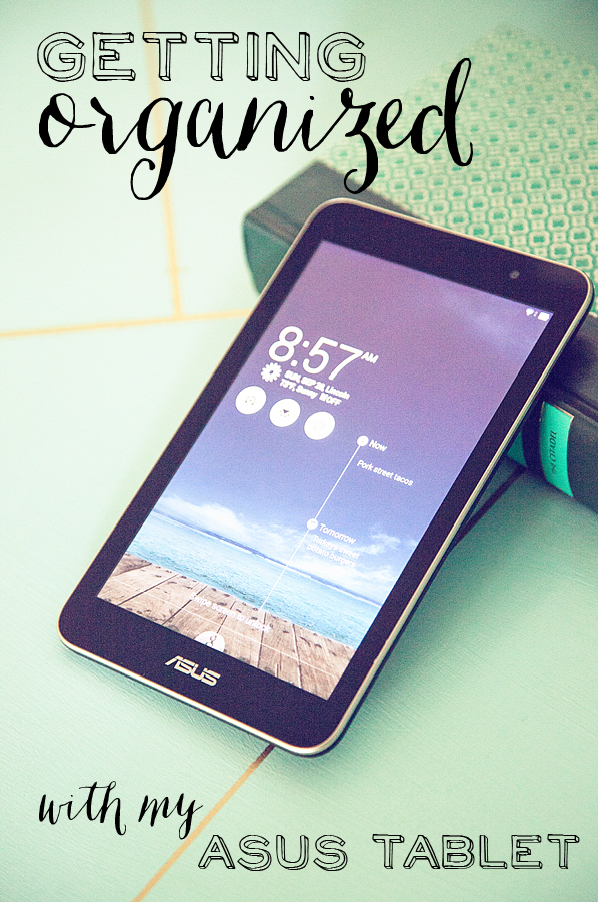
Getting-organized-with-my-ASUS-Tablet

Ugh, let’s just all agree…  Life is getting complicated! Many of you know, I have four kiddos, one in each level of school. High School, Middle School, Elementary and Pre-School. (Yea, that’s a story for another day.) Maybe if I had been more organized I would have thought about the spacing a bit more. Not that Mother Nature always cooperates. Needless to say… I could have an entire kitchen wall full of flow-charts, schedules and simple algorithms to try and keep our lives organized. And then… we would inevitably, miss something!  That is until I started using my ASUS Intel Tablets to get organized!

I would have to admit, I have a bit of a fruity obsession when it comes to tech gear, so I was a little skeptical. Never would I have thought that I could still integrate all of our family communication devices and stay on top of our crazy life. We have!

For the sake of simplicity… I keep things simple for this post. You don’t need to see all of our craziness. Here are some of my favorite features on the ASUS.
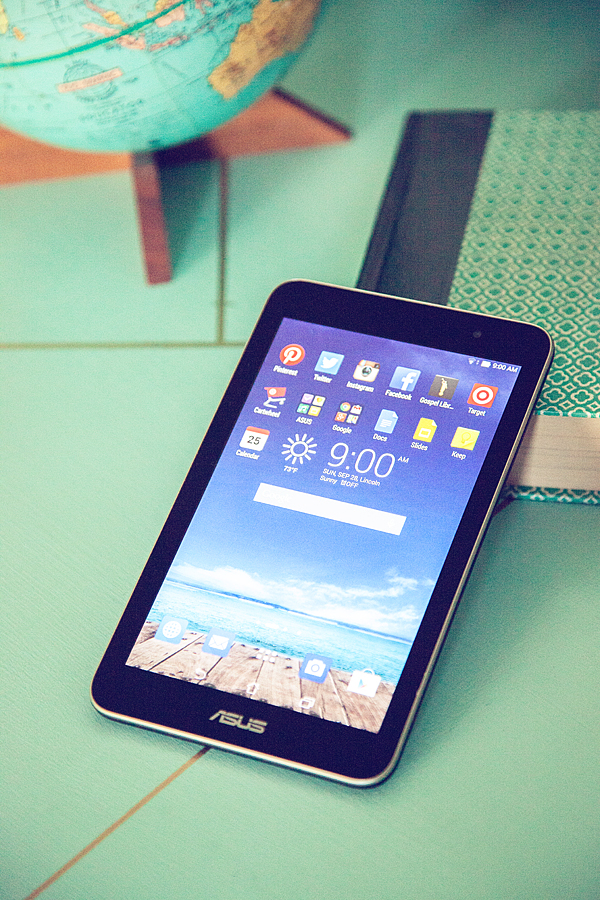
Asus-Review-5

First, it’s simple to add all of your favorite apps. I have everything that I have used on other devices so I felt right at home. The ASUS Intel tablet has aaaamazing graphics, especially for a tablet at this price point. It’s $123 on Amazon!

I put together a weekly menu for the family using the calendar app, linked to our family Google account. That way… no one has to ask, “What’s for dinner?”
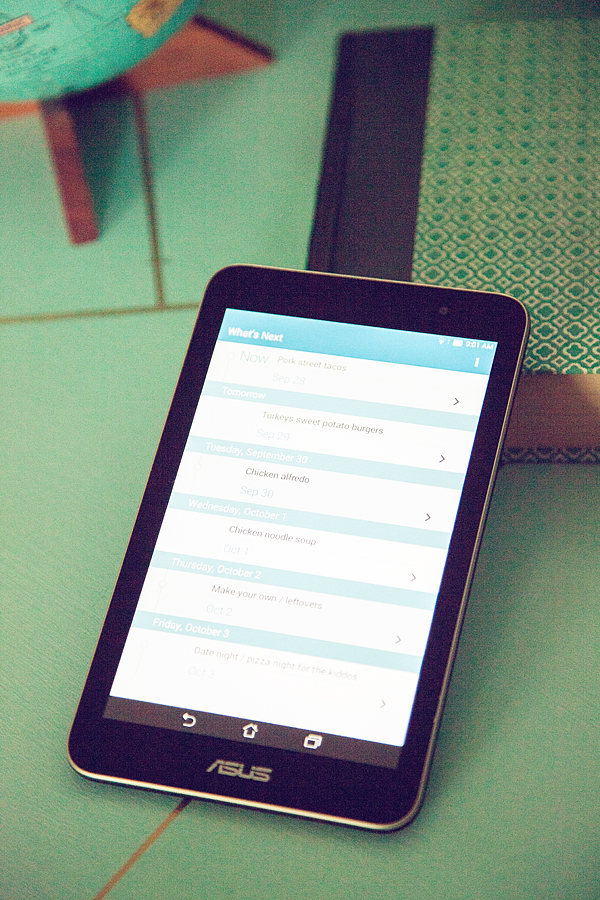
Asus-Review-6

Then, I use my Target app to create a shopping list using my menu…
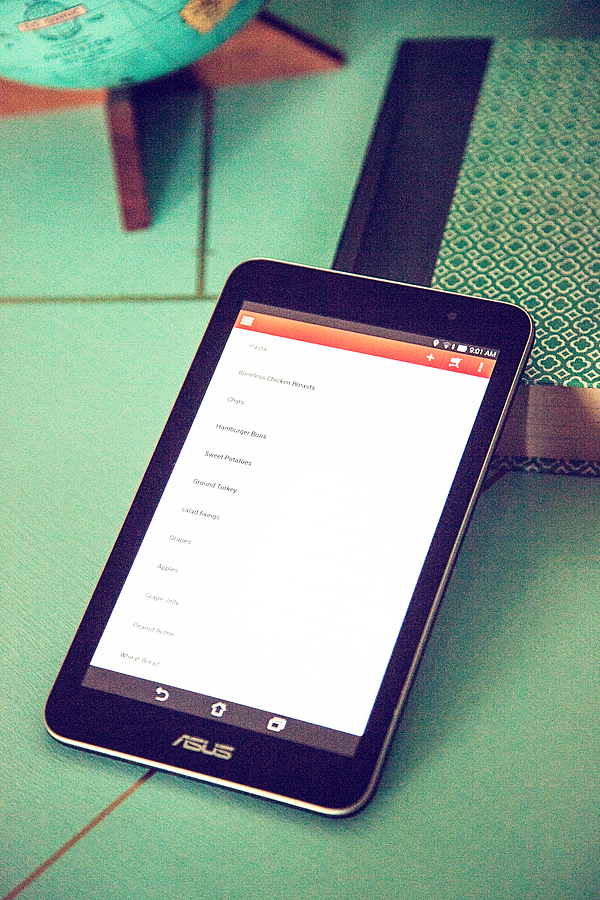
Asus-Review-7

PERFECT!! Now, no matter who goes shopping, my husband or I, we have all the info we need right at our finger tips using the ASUS tablet.

We can even pull up the Target Cartwheel app and find even more goodies there, right on the ASUS.
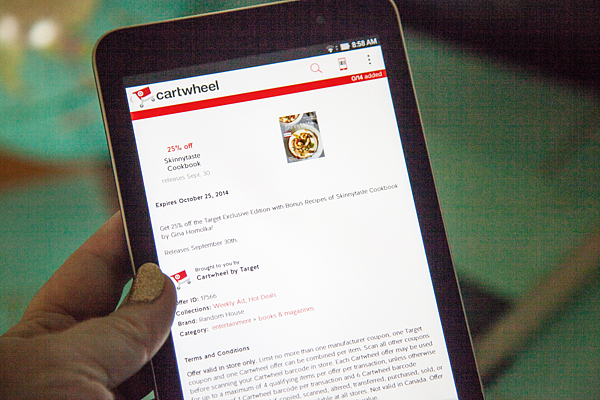
Asus-Review-2

All in all, I’ve really enjoyed this ASUS Intel Tablets and would recommend it to anyone in the market for a great tablet experience.

Tech Talk + Getting to Know a ASUS Tablet

0 · Sep 22, 2014 · Leave a Comment

#spon: I’m required to disclose a relationship between our site and Intel. This could include the Intel Corporation providing us w/content, product, access or other forms of payment.

ASUS-Tablet

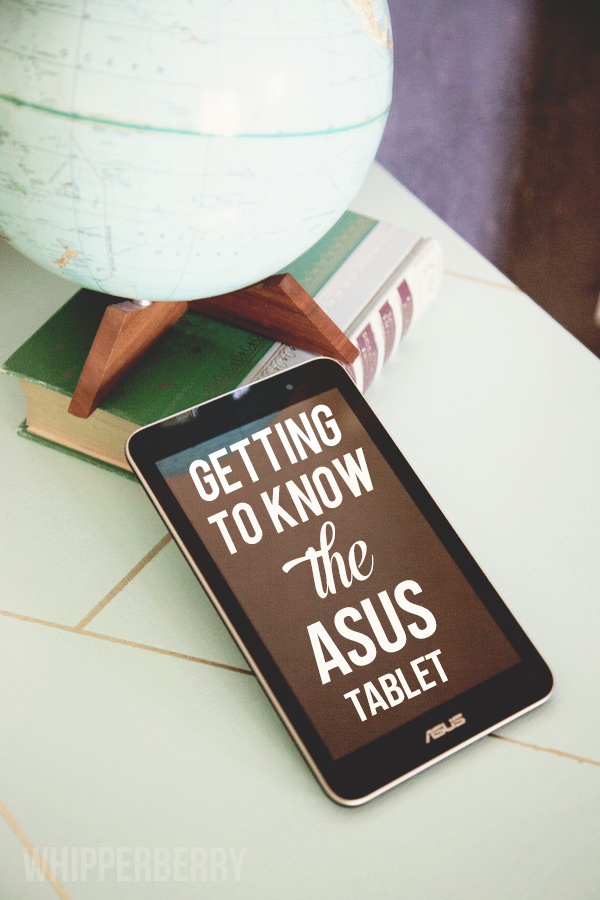
I’m a tech girl. I can pass on your typical gift items. I don’t need flowers or chocolates. But, if you want to sweeten me up… Give me a gadget. It’s been that way since I was a girl. Anything with buttons or a processor, I was smitten. So… When I was approached to give the ASUS Memo Pad 7 a whirl, of course I said, YES!

The ASUS tablet is part of the Intel Tablets family. It’s powered by an Intel Processor that makes for a fabulous user experience. The graphics are crisp, the wifi is super stable and the battery life is really great.  What’s even better is the price! You can score an ASUS for $150 a fraction of the cost of most tablets. The great thing is, even though you are getting a budget friendly tablet, you aren’t getting a budget type experience. So far, I’ve been thrilled with what I’ve found with this tablet.  My whole life, digitally that is, is with Google. My calendars, contacts, email and so on. The ASUS is very Google friendly.

I’m spending this week getting to know the tablet a little more. My life has become SUPER busy. I’m balancing several different major projects right now,  I need a great tool to keep me on track. I’m going to be using the ASUS this week to keep my life organized. I’ll pop back in on Friday and let you know how it goes.

Primary Sidebar

Heather from Whipperberry
Hello... my name is Heather and I'm the creator of WhipperBerry a creative lifestyle blog packed full of great recipes and creative ideas for your home and family. I find I am happiest when I'm living a creative life and I love to share what I've been up to along the way... Come explore, my hope is that you'll leave inspired!

Footer

  • Privacy Policy
  • Crafts
  • Food
  • Gifts
  • Holidays
  • Home
  • Mom Life
  • Recipes
  • Travel

Copyright © 2026 · Seasoned Pro