• Skip to primary navigation
  • Skip to main content
  • Skip to primary sidebar
  • Skip to footer

Whipperberry

WhipperBerry • Your Home For Creative Inspiration

  • Home
  • Recipes
    • Starters
    • Easy Weeknight Dinners
    • Main Dish
    • Salads
    • Side Dish
    • Soups & Stews
    • Desserts
    • Breakfast
    • Miscellaneous
  • Tutorials
    • Creative Crafts
    • DIY Decor
    • Fabric Crafts
    • Food How-To
    • Jewlery
    • Paint Projects
    • Paper Art
    • Party Styling
    • Photography and Graphic Design
    • Silhouette
  • Holidays
    • Easter
    • Mother’s Day
    • Father’s Day
    • 4th of July
    • Halloween
    • Thanksgiving
    • Christmas
    • Valentine’s Day
  • Gift Ideas
    • Gifts For Everyone
    • Gifts for Dad
    • Mother’s day
    • For The Girls
    • For The Kids
    • Teacher Gift Ideas
    • Christmas
  • Printables
    • Holiday
    • Gift Idea
    • LDS Primary
  • Travel
  • About
    • Terms
  • Contact
  • Nav Social Menu

    • Facebook
    • Instagram
    • Pinterest
    • RSS
    • Twitter
You are here: Home / Crafts / Cricut / Can You Cut Cardboard With Cricut?

Can You Cut Cardboard With Cricut?

14 · Dec 2, 2023 · Leave a Comment


Yes, you can cut cardboard with a Cricut, but it’s not that easy, and I’ll show you why.

Today, let’s explore how a Cricut machine can handle cutting cardboard, a popular material in crafting. Cricut machines are quite versatile and can handle a variety of materials, including different types of cardboard.

Whether it’s thin poster board or thicker corrugated cardboard, the Cricut can usually cut through it, especially if you’re using models like the Cricut Maker.

It’s important to use the correct blade and settings for the type of cardboard you’re cutting.

This allows you to create all sorts of cool projects, from custom boxes to decorative elements, all with the precision and ease of using a Cricut machine.

Stay tuned, as next, I’ll share the most frequently asked questions about cutting cardboard, and if you’re looking to upgrade or change your crafting tools, you might consider selling your current Cricut machine.

For more information on how to do this effectively, check out this helpful link.


What Cardboard Can Be Used With Cricut?


You can cut various types of cardboard, including:

  1. Corrugated Cardboard: This is the thicker, ribbed cardboard often used for packaging. The Cricut Maker, with its stronger cutting force, is more suitable for this type.
  2. Poster Board or Cardstock: These are thinner and smoother types of cardboard, ideal for crafts and decorations. They can be cut using most Cricut models.
  3. Chipboard: Thicker than cardstock but thinner than corrugated cardboard, chipboard is great for projects that require a sturdier material.

It’s important to use the right blade and settings for each type of cardboard to ensure clean cuts and to avoid damaging your machine.

The Cricut Maker, with its advanced blades and settings, is particularly well-suited for cutting a wider range of cardboard types.


What is the Best Cardboard For Cricut?


The best type of cardboard for Cricut depends on your project requirements.

However, medium-weight cardstock is often recommended for its versatility and ease of cutting.

It’s sturdy enough for a variety of projects but not so thick that it poses cutting challenges.

For projects requiring more rigidity, thicker cardboard like poster boards or light chipboards are suitable, especially if you’re using a Cricut Maker, which can handle thicker materials.

Always ensure that the cardboard thickness aligns with your Cricut model’s capabilities and use the appropriate blade and settings for optimal results.


How Thick Can Cricut Cut Cardboards?


The thickness that a Cricut machine can cut through depends on the model.

For instance, the Cricut Maker, which is the most powerful model, can cut materials up to 2.4 mm thick.

This includes various types of cardboard, such as poster board or thin chipboard.

For other Cricut models like the Cricut Explore series, the recommended maximum thickness is usually around 2 mm.

It’s crucial to ensure that the cardboard thickness is within your specific Cricut model’s cutting capabilities to achieve the best results and avoid damaging the machine.

How do You Cut Designs on Cardboard?

To cut designs on cardboard using a Cricut machine, follow these steps:

  1. Choose Your Design: Select or create the design you want to cut in Cricut’s Design Space software.
  2. Prepare Your Cardboard: Choose the right type of cardboard for your project. Ensure it’s flat and fits the Cricut cutting mat.
  3. Load the Mat: Secure the cardboard onto the Cricut cutting mat using adhesive or tape to keep it in place.
  4. Set Up the Machine: Choose the correct blade and settings in the Cricut machine for your cardboard thickness.
  5. Load the Mat into the Machine: Carefully align and feed the mat into your Cricut machine.
  6. Begin the Cutting Process: In Design Space, hit the ‘Cut’ button and let the machine do the work. Keep an eye on the process to ensure it’s cutting correctly.
  7. Unload and Remove the Design: Once the cutting is complete, unload the mat and gently remove your cut design from the cardboard.

Remember, detailed designs may require slower cutting speeds for precision, and always ensure that the cardboard thickness is suitable for your Cricut model’s capabilities.

Can I Cut Cardboard with a Cricut Fine-Point Blade?


Yes, you can cut cardboard with a Cricut fine-point blade, but it is best suited for thinner types of cardboard like
cardstock or poster board.
The fine-point blade is designed for precision cutting on lighter materials.
For thicker cardboard, like corrugated cardboard, a stronger blade such as the deep-point blade or the rotary blade
(available with the Cricut Maker) would be more appropriate.
It’s important to match the blade to the material’s thickness and density for the best cutting results and to prolong
the life of your Cricut blades.

Can Cricut Knife Blade Cut Cardboard?
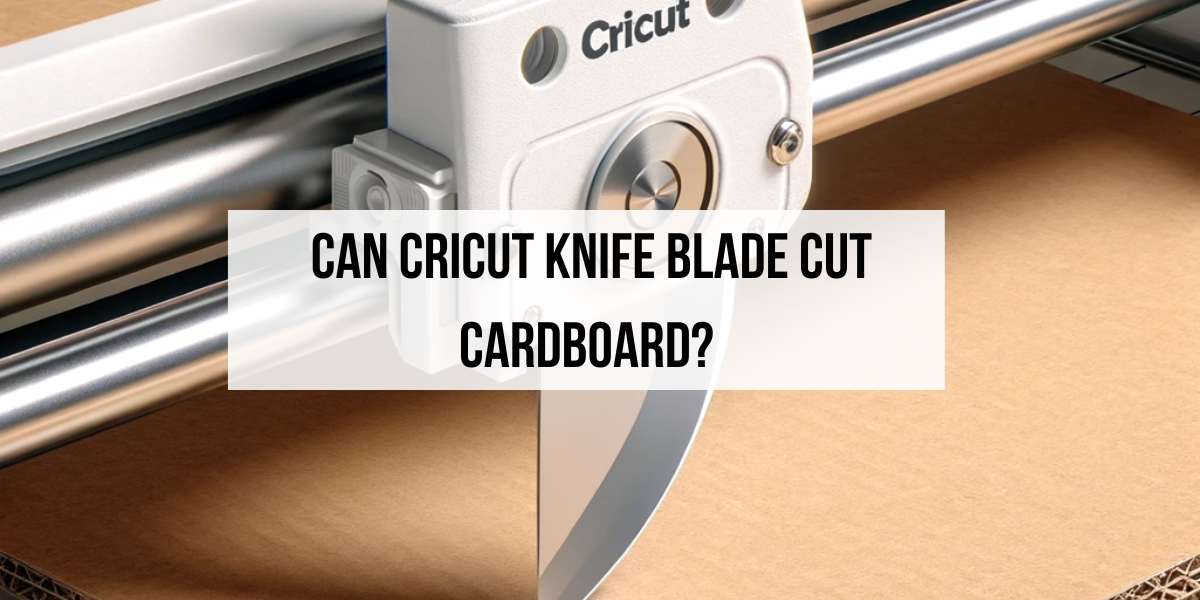


Yes, the Cricut Knife Blade is specifically designed for cutting through thicker and denser materials, including cardboard.

So, the Cricut Knife Blade is super cool because it can cut through thick stuff like cardboard.

When I use it with my Cricut Maker, I can make all sorts of neat things, even with different kinds of cardboard.

This blade is really strong and cuts super well, which is awesome for tricky designs.

It’s great for cardboard that needs to be a bit tougher for certain projects.

Before cutting, I make sure the cardboard is flat on the mat so it doesn’t mess up.

And I have to set the machine just right for the cardboard thickness.

It takes a bit longer to cut thicker materials, but going slow means the cuts turn out good.

I’ve tried all sorts of cardboard, and each kind makes my projects look different.

Learning about each type and how to cut it best with my Cricut Maker has been a lot of fun.

This blade is a must-have for anyone who loves crafting a lot!

Conclusion

Yes, you can cut cardboard with Cricut but in my experience, you should understand the types of cardboard suitable for each machine, the ideal tools and settings for cutting, and the thickness each model can handle is crucial.

Happy cutting and good luck with your projects.

14
Pin
Share
Tweet

Cricut

Reader Interactions

Leave a Reply Cancel reply

Your email address will not be published. Required fields are marked *

Recipe Rating


Primary Sidebar

Heather from Whipperberry
Hello... my name is Heather and I'm the creator of WhipperBerry a creative lifestyle blog packed full of great recipes and creative ideas for your home and family. I find I am happiest when I'm living a creative life and I love to share what I've been up to along the way... Come explore, my hope is that you'll leave inspired!

Footer

  • Privacy Policy
  • Crafts
  • Food
  • Gifts
  • Holidays
  • Home
  • Mom Life
  • Recipes
  • Travel

Copyright © 2026 · Seasoned Pro