Print-on-demand lets you sell custom products t-shirts, mugs, posters, tote bags without buying inventory first. A supplier prints and ships each item only after a customer orders it. Etsy and Shopify are the two most common places to sell POD products, and they solve different problems: Etsy hands you a built-in audience already searching for gifts and custom items; Shopify hands you full control over your brand, but no built-in traffic. This guide breaks down exactly what each platform costs, how to set up on both, and which one fits your situation.
How the Order Actually Flows
- You upload a design to a product and publish the listing.
- A customer buys it.
- The order routes automatically to your POD supplier (Printify, Printful, etc.).
- The supplier prints, packs, and ships it, and tracking syncs back to your store.
- You handle customer questions, reviews, and improving future listings, the physical fulfillment is off your plate entirely.
Etsy vs. Shopify: The Real Numbers
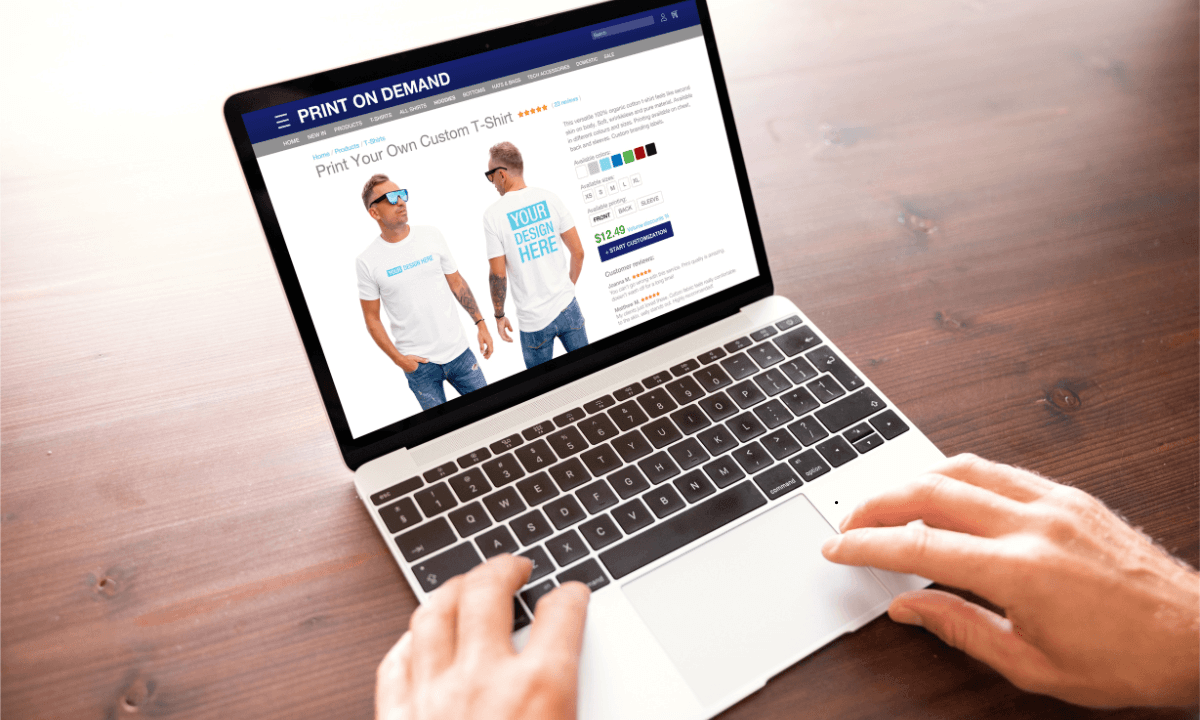
Etsy and Shopify can both work for print-on-demand, but they are built for different seller goals. Etsy is a marketplace where shoppers search for unique, handmade-style, personalized, and giftable products. That makes it useful for sellers who want early search exposure without building traffic from zero. Shopify is a full ecommerce platform where you build your own store. It gives more control over branding, website layout, email marketing, upsells, ads, blog content, and customer data. Etsy is often easier to start with, while Shopify is stronger for sellers who want to build a long-term brand.
Etsy’s Fees
- Listing fee: $0.20 per item, charged whether or not it sells, and again every time a listing renews (every 4 months) or a multi-quantity listing sells another unit.
- Transaction fee: 6.5% of the total sale, item price plus shipping plus gift wrap plus personalization fees. This applies even if you offer “free shipping,” since Etsy just taxes whatever the buyer actually pays.
- Payment processing: 3% + $0.25 per transaction in the US (rates vary by country).
- Offsite Ads: 15% of the sale if it came from an Etsy-placed ad on Google/Facebook/Pinterest, and this becomes mandatory, not optional, once your shop passes $10,000 in sales over the past 365 days (the rate drops to 12% above that threshold, but you can no longer opt out).
Real example: Sell a $25 t-shirt with $5 shipping. Etsy takes roughly $0.20 (listing) + $1.95 (6.5% transaction fee on the $30 total) + $1.15 (3% + $0.25 processing) = about $3.30 in mandatory fees, before your production cost or any ad spend. That’s an 11% effective cut before you’ve paid Printify or Printful a cent. To calculate it accurately, you can try using the Printify Etsy calculator to showcase real and accurate data
Shopify’s Fees
- Basic plan: $39/month billed monthly, or $29/month billed annually. This is the cheapest plan that gives you a full storefront (the $5/month Starter plan only sells through social/chat links, no actual store).
- Payment processing (Shopify Payments): 2.9% + $0.30 per online transaction on Basic. This drops on higher tiers (Grow at $105/mo drops it to about 2.6–2.7%), but Basic is where nearly every new POD seller starts.
- No per-listing or per-sale marketplace fee, unlike Etsy, Shopify doesn’t take a cut of your sale price. Your main variable cost is payment processing plus whatever apps you install.
Real example: Same $25 t-shirt with $5 shipping ($30 total). Shopify processing takes roughly $1.17 (2.9% + $0.30), plus your $29–39/month subscription amortized across however many orders you do that month. At 30 orders/month on the annual Basic plan, that’s about $0.97/order in subscription cost, so total Shopify fees land around $2.14 per order, versus Etsy’s $3.30 on the same sale, not counting the traffic Etsy gives you for free that Shopify doesn’t.
The actual trade-off: Etsy costs more per sale but gets you in front of buyers who are already searching. Shopify costs less per sale but you’re paying for every visitor yourself, one way or another ads, SEO time, or an existing audience. Neither is cheaper in absolute terms; they shift the cost from “per sale” (Etsy) to “customer acquisition” (Shopify).
Choosing Products That Actually Sell
Good POD products connect to a specific niche, not a broad category. “Funny shirt” is too vague to rank or convert; “funny dog groomer sweatshirt” speaks directly to a buyer.
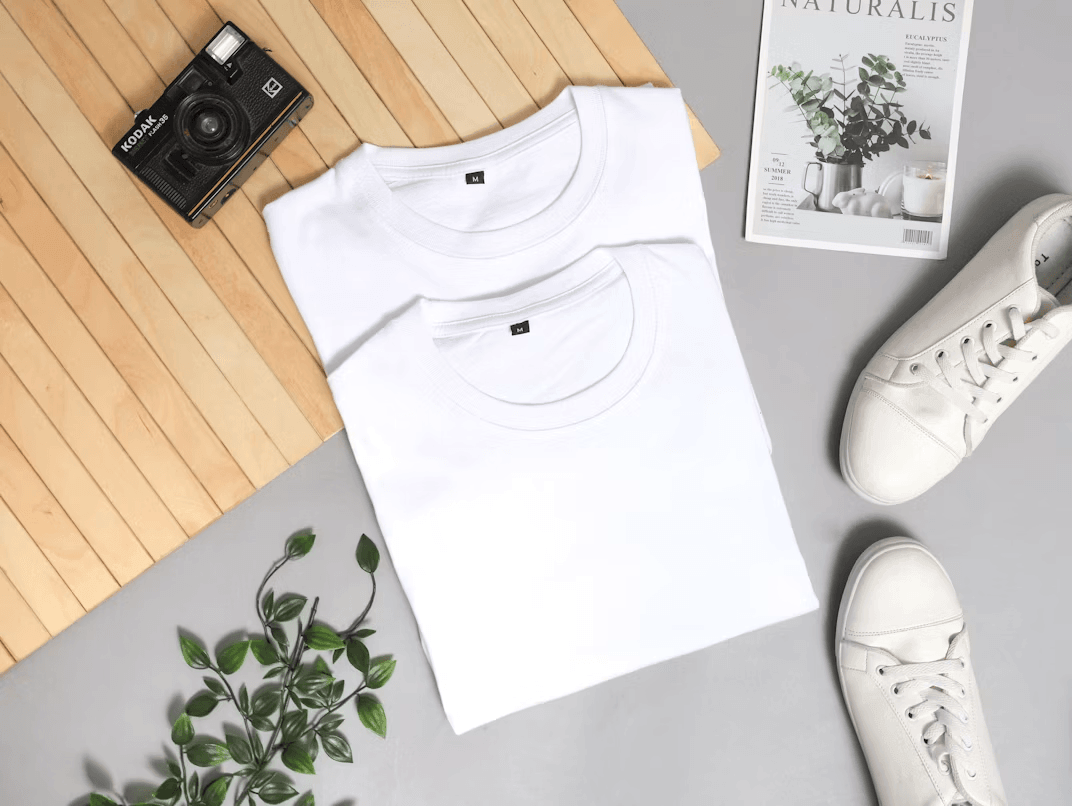
- Apparel: t-shirts, hoodies, embroidered caps. Needs accurate sizing info and real fabric photos, not just mockups.
- Gifts and personalized items: mugs, ornaments, custom name products. These perform especially well on Etsy, where shoppers are actively looking for occasion-based gifts.
- Wall decor: posters, canvas prints, framed art. Entirely dependent on image quality; a blurry mockup kills conversion here faster than in any other category.
- Accessories: phone cases, stickers, tote bags. Useful as upsells or bundle add-ons, but only if the design is specific enough to feel intentional rather than generic.
Choose the Right POD Provider for Etsy and Shopify
Your POD provider affects product quality, pricing, delivery speed, branding, and support. Do not choose only by catalog size or popularity. Compare base cost, shipping rates, production locations, print methods, mockup quality, product reviews, support response, refund policy, and platform integrations. The provider you choose becomes part of your customer experience, even if the customer never sees their name.
Printify
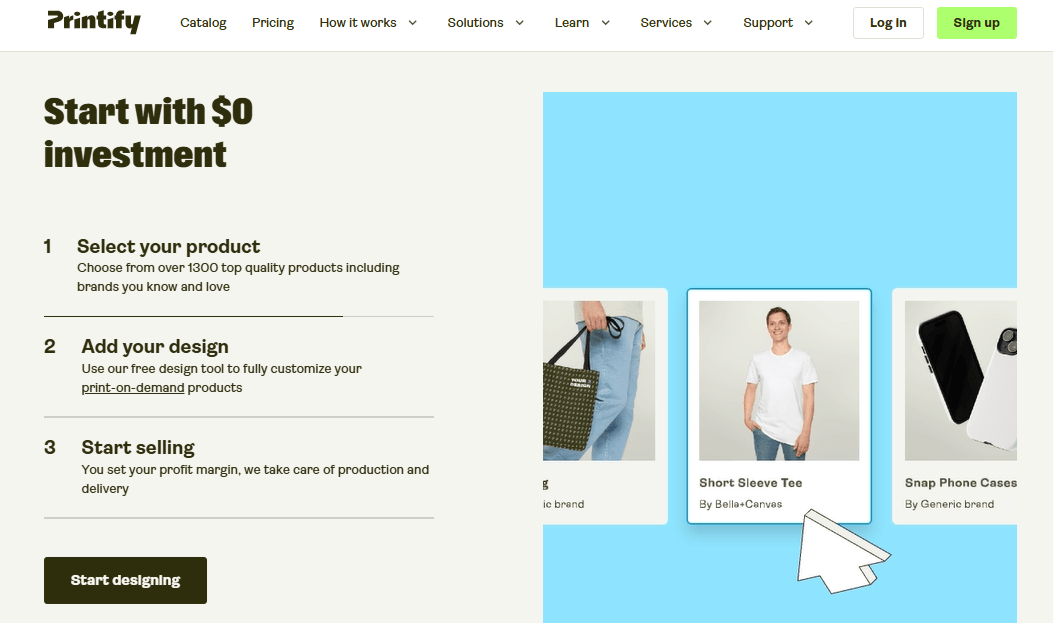
Printify can be useful for sellers who want a wide product catalog and different provider options. Its official site says sellers can put designs on 1,300+ products and sell through several channels. Because different print providers may offer the same type of product, sellers should compare production time, shipping location, cost, and product reviews before choosing.
Printful
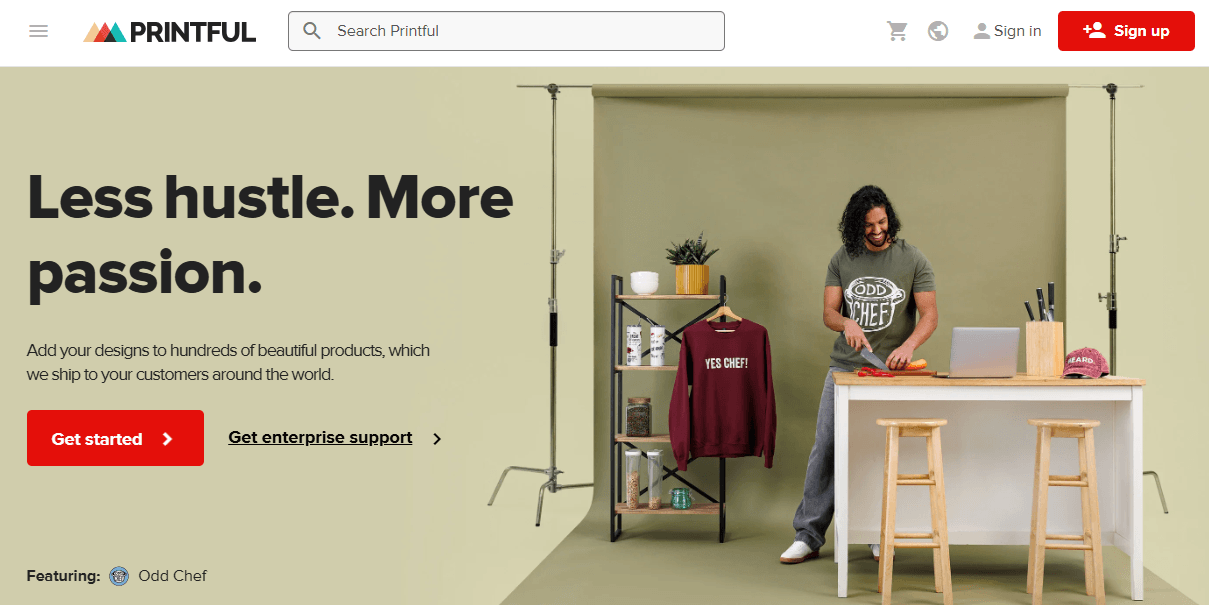
Printful can be useful for sellers who care about fulfillment support, brand presentation, and custom product production. Its Shopify integration page says sellers can create and sell custom products with automated fulfillment and free design tools. It can suit stores that want a more brand-focused setup, but sellers should still compare product costs, shipping times, and sample quality.
What to Compare Before Choosing
Before choosing any POD provider, compare these points:
- Product catalog and niche fit
- Base product cost
- Shipping cost and delivery time
- Production locations
- Print quality and product reviews
- Branding options
- Mockup quality
- Etsy and Shopify integrations
- Refund and reprint policy
- Customer support speed
Setting Up on Etsy
- Open your seller account: shop name, payment settings, a short shop description that tells buyers what you actually sell.
- Connect a POD supplier: Printify and Printful both integrate directly with Etsy and route orders automatically.
- Use only original designs. No copyrighted characters, band or sports logos, celebrity names, or song lyrics, Etsy can pull listings for this, and repeated violations risk the whole shop.
- Write listings for search, not just aesthetics: keyword-rich title, all 13 tags filled in, accurate category and attributes, and a description that uses the exact phrases buyers search (“personalized teacher mug,” not “cute mug”).
- Disclose your production partner. Etsy requires this on any listing made with outside production help. it’s not optional, and skipping it risks a policy strike.
- Iterate after publishing. Views with no sales usually means a weak main image or a price problem. Sales with complaints usually means a quality or shipping-time problem, not a listing problem.
Setting Up on Shopify
- Build the store: domain, a clean theme, clear navigation, and a homepage that says what you sell in the first five seconds.
- Install a POD app: Printify or Printful from the Shopify App Store, same as Etsy.
- Organize by buyer intent, not just product type: a “teacher gifts” or “pet lover shirts” collection converts better than a flat product grid.
- Write your own product copy. Don’t paste supplier descriptions: they’re generic and hurt your SEO since dozens of other stores use the identical text.
- Place a test order before running any traffic. This is the step people skip, and it’s the one that catches bad print quality before a customer does.
- Pick two or three traffic channels, not all of them at once. Pinterest tends to work well for wall art and apparel because of its visual, high-intent search behavior. SEO through collection and blog content compounds over time but takes months to show up. Paid ads work immediately but stop the moment you stop paying.
Pricing for Real Profit
Use this before you publish a single product:
Retail price − production cost − shipping − platform fees − ad cost = actual profit
Using the numbers above: a $25 shirt with a $9.60 Printify base cost and $4.50 shipping already has roughly $14 in costs before any platform fee. Add Etsy’s ~$3.30 and you’re down to about $8 profit before ad spend. Add Shopify’s ~$2.14 instead and you’re at roughly $9.20 before ad spend, but on Shopify, you’re also paying to generate that sale in the first place, which Etsy’s search traffic gives you partially for free.
Where POD Stores Actually Lose Money
- Using copyrighted or trademarked designs: band logos, sports teams, movie quotes. This isn’t a gray area; it triggers takedowns and can suspend a shop entirely.
- Publishing mockups only, never real photos: customers notice the gap between a perfect mockup and an actual product the moment it arrives, and it shows up in reviews.
- Hiding production and shipping times: POD items take longer to arrive than warehouse-stocked products. Say so upfront; vague shipping info is the single biggest driver of refund requests in this category.
- Copying a competitor’s exact product instead of finding a sharper angle: a copied listing has no reason to outrank the original in search.
- Scaling ad spend before ordering a sample. A $9.60 print quality problem discovered after $500 in ad spend is a lot more expensive than a $9.60 sample.
Should You Use Etsy, Shopify, or Both?
Etsy if you want search-driven traffic immediately and are testing whether a product or niche sells at all before investing in a brand.
Shopify if you already have a traffic source, an audience, a content plan, or an ad budget, and want to keep the customer relationship (email list, repeat buyers, your own data) instead of renting it from a marketplace.
Both if you can manage two sets of listings, pricing, and customer service without letting either one slip. A common, working pattern: validate a design on Etsy first since it’s cheaper to test there, then move winning products to Shopify once you know they sell and you’re ready to build a brand around them.
FAQ
Is Etsy or Shopify better for print-on-demand?
Etsy costs more per sale (~$3.30 in fees on a $30 order) but includes built-in buyer traffic. Shopify costs less per sale (~$2.14) but you supply all the traffic yourself. Pick based on whether you have an audience already or need Etsy’s search to find one.
Can I sell the same products on both?
Yes, keep pricing, shipping times, and descriptions consistent across both so customers get the same experience regardless of where they bought.
Do I need inventory for print-on-demand?
No. Products are made only after a customer orders, so there’s no upfront stock to buy or store.
Can I use Printify or Printful with both Etsy and Shopify?
Yes, both integrate with each platform. Compare base cost, shipping speed, and quality consistency before picking one.
Is print-on-demand actually profitable?
Yes, but only if you price with every fee included; production, shipping, platform fees, and ad spend, not just the base product cost. Skipping this step is the single most common reason new POD shops lose money while looking busy.
Do I need original designs?
Yes. Beyond the legal risk, original designs are also what differentiates your shop in search, a copied design has no ranking advantage over the original.
Bottom Line
Etsy and Shopify aren’t competing for the same job. Etsy is the faster, cheaper way to find out if a product sells at all, because it hands you search traffic you’d otherwise have to buy. Shopify is the better long-term home for a product that’s already proven to sell, because you keep the margin Etsy would otherwise take and you own the customer relationship going forward. Test cheap on Etsy, build permanent on Shopify, and price every product with all four cost layers (production, shipping, platform fees, ad spend) included from day one, not added in after you notice the margin isn’t there.
0
Leave a Reply