• Skip to primary navigation
  • Skip to main content
  • Skip to primary sidebar
  • Skip to footer

Whipperberry

WhipperBerry • Your Home For Creative Inspiration

  • Home
  • Recipes
    • Starters
    • Easy Weeknight Dinners
    • Main Dish
    • Salads
    • Side Dish
    • Soups & Stews
    • Desserts
    • Breakfast
    • Miscellaneous
  • Tutorials
    • Creative Crafts
    • DIY Decor
    • Fabric Crafts
    • Food How-To
    • Jewlery
    • Paint Projects
    • Paper Art
    • Party Styling
    • Photography and Graphic Design
    • Silhouette
  • Holidays
    • Easter
    • Mother’s Day
    • Father’s Day
    • 4th of July
    • Halloween
    • Thanksgiving
    • Christmas
    • Valentine’s Day
  • Gift Ideas
    • Gifts For Everyone
    • Gifts for Dad
    • Mother’s day
    • For The Girls
    • For The Kids
    • Teacher Gift Ideas
    • Christmas
  • Printables
    • Holiday
    • Gift Idea
    • LDS Primary
  • Travel
  • About
    • Terms
  • Contact
  • Nav Social Menu

    • Facebook
    • Instagram
    • Pinterest
    • RSS
    • Twitter

Silhouette

Silhouette Heat Transfer Promotion and GIVEAWAY

0 · Jun 4, 2013 · 328 Comments

Silhouette Affiliate Promotion & GIveaway // It's that time again… Silhouette promotion and giveaway time! This month is one of my favorites, the Heat Transfer Material.
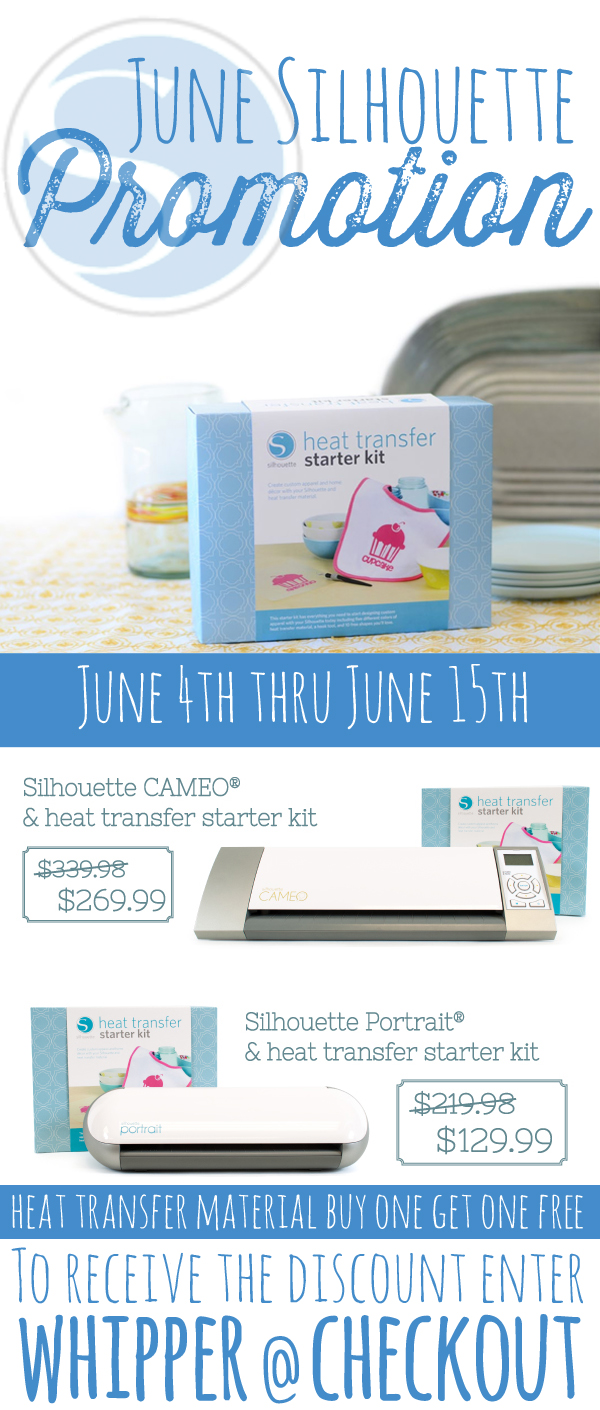
Silhouette Coupon Code for June

Click here to visit the Silhouette Shop to take advantage of these fabulous deals!!

Here's and oldie but a goodie. These are some fun onezies that I created for my nephew and then again for my friend Sarah's baby shower. They are just so darn cute and so easy to make with the Heat Transfer Material.
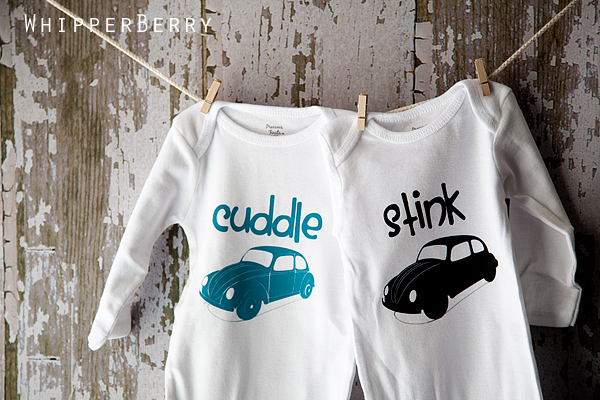
WB-069

I made them using my Silhouette CAMEO and the Designer Edition software. I used this image of an old VW bug and then just added the text that I wanted in the Silhouette software.

little vw bug

You can download the svg file that you will need when using your Silhouette from the box below…

Once you bring your image into your Silhouette Studio Edition software you can add  your word and then make sure you mirror the image before you cut the Heat Transfer Material. Select your images and then right click and you will see the command "flip image horizontally." Select that and your image will them flip and will be ready to cut.
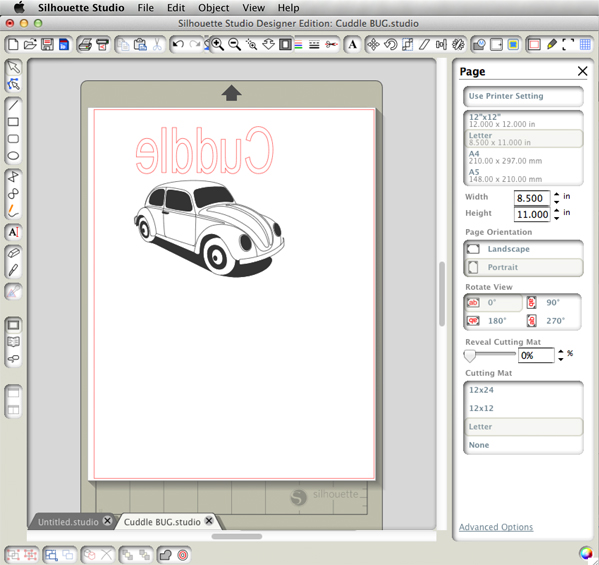
Little bug onezie

You will then take your Silhouette Heat Transfer Material and place it in your CAMEO or Portrait and cut according to the package directions.
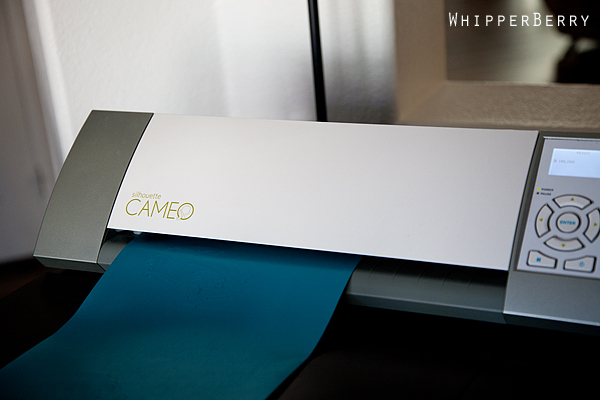
WB 045

Once your images are cut, you will need to "weed" the image to remove all of the extra heat transfer material…
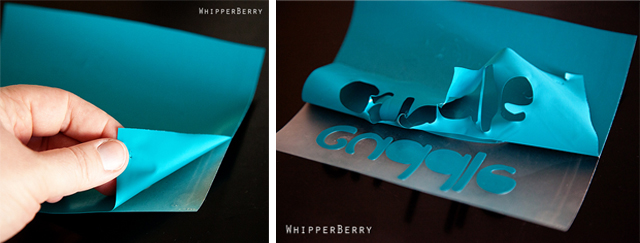
weeding

Next, follow the directions on the Heat Transfer Material package and iron on the image onto your onezie. It's really quite slick!  I love this stuff. That's all it takes and you now have some creative baby gifts for all your friends!

WB-069

I've also made fun Field Day shirts for my girls, cute T-shirts for some special friends… all kinds of fun things you can make with this stuff. They even have Printable Heat Transfer Material now. You HAVE to get some! 
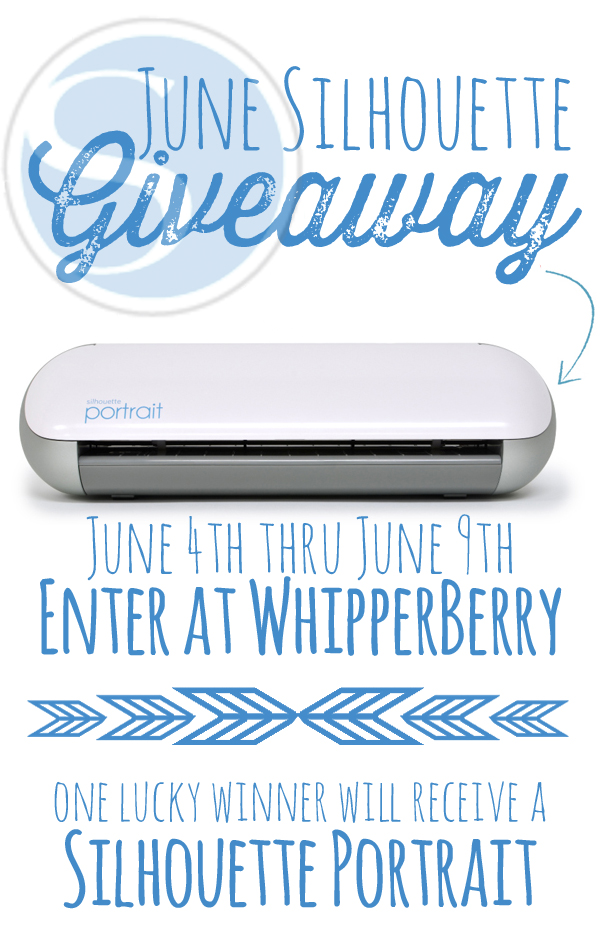
Silhouette giveaway

All you have to do is follow the directions in the Rafflecopter box below. This giveaway will run through Midnight central time on June 9th with the winner announced on June 10th. This giveaway is only open to those friends with a shipping address within the United States. 
a Rafflecopter giveaway

Lazy Susan Art

53 · May 28, 2013 · 24 Comments

This post brought to you by DecoArt // I have become obsessed with the Lazy Susan! My Grandmother’s table had a large lazy susan that I was enamored with as a child. I was fascinated by the inner workings and the fact that it could double as a steering wheel in a pinch. Just in the last few months I’ve been on the hunt for the perfect lazy susan and then it hit me… It would look fabulous with a little artistic touch.

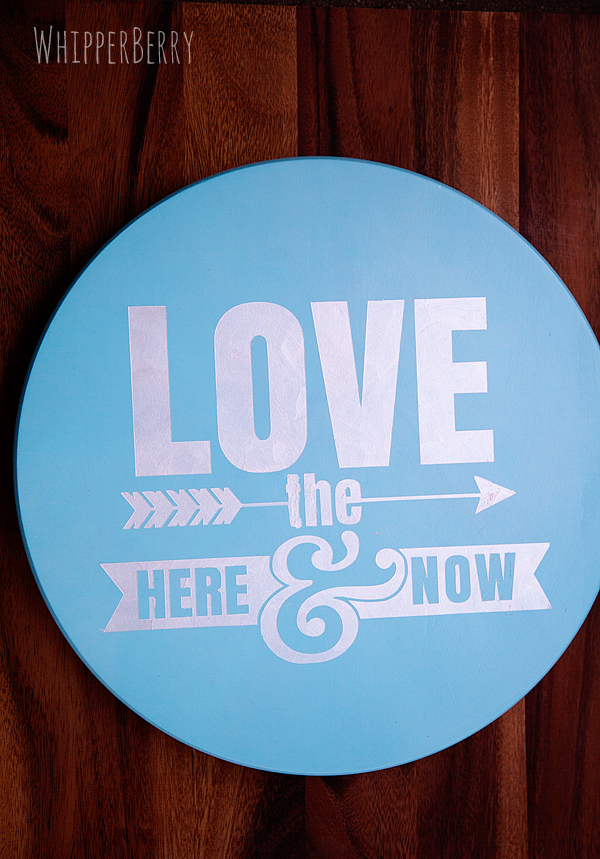
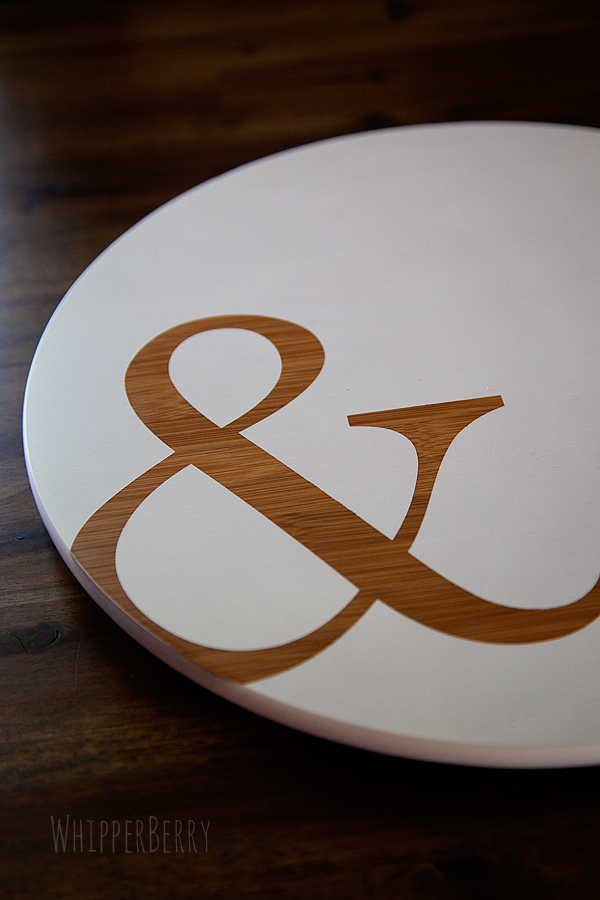
Ampersand Lazy Susan with DecoArt White Wash Paint

I am a part of the DecoArt Core Bloggers and did receive compensation for this post. However, all thoughts, ideas and opinions are my very own.

I found this great bamboo lazy susan at a local store and I just loved the wood grain. I thought it would look great with a negative graphic stenciled onto the surface. Meaning… You use a negative stencil thus showing the wood grain in the graphic while the rest of the surface is covered in paint. I’ve loved this look for quite some time now.  Here is what you will need…

Supplies

  • Lazy Susan
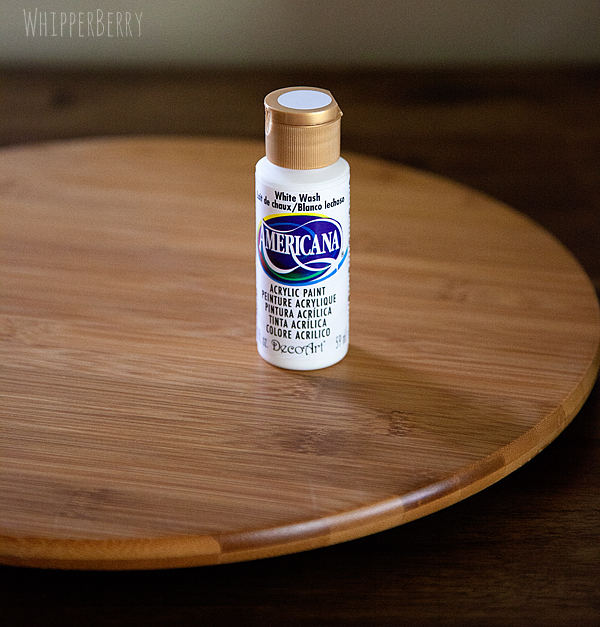
  • DecoArt Americana White Wash

Americana White Wash craft paint for some lazy susan art

  • Vinyl Stencil (I created mine using my Silhouette CAMEO)
  • Transfer tape
  • Sandpaper
  • Foam brush

Instructions

This project is so easy, it really only takes a half an hour at the most, a little more if you count drying time.  Yet, it creates a stunning piece for your table or for a gift. First you need to decide what graphic you would like to put on the surface of your lazy susan. I have always loved ampersands (&) and I thought it would look fabulous as a graphic on the table. I scrolled though a bunch of fonts until I found the perfect ampersand, it was in the Baskerville font. Isn’t it just lovely? For those of you who love ampersnads, you know just what I’m talking about.

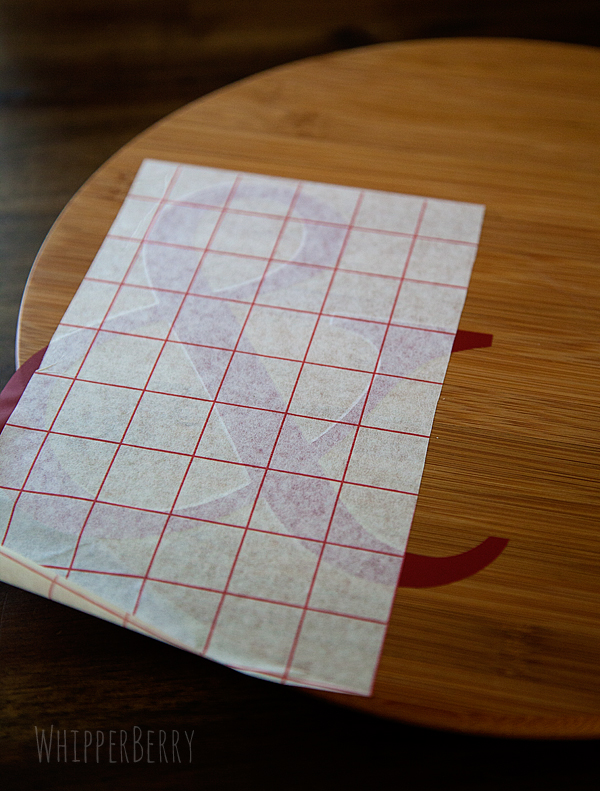
I used my Silhouette CAMEO to cut the ampersand out in vinyl. I wanted the ampersand to be large, but not to take over the entire wood surface and I knew I wanted it to be a little off set. I used transfer tape to help me position the vinyl just right…

Using transfer tape place your vinyl onto your lazy susan

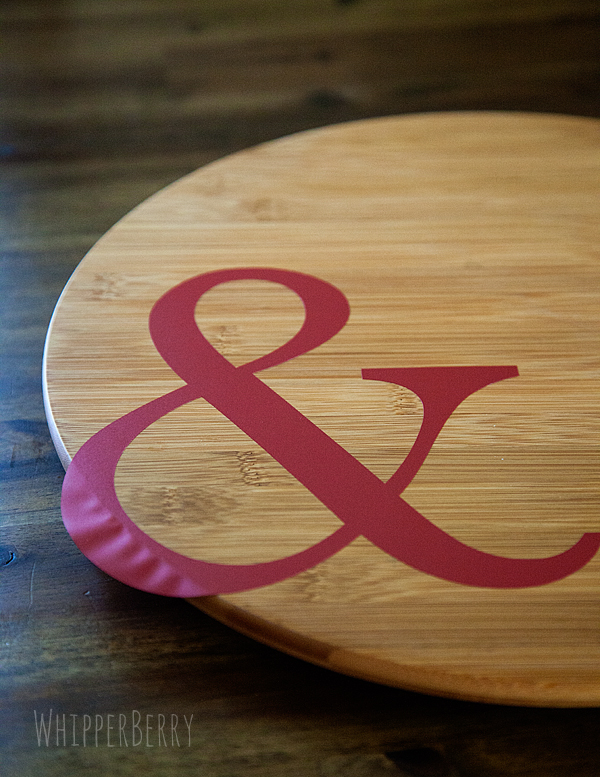
Notice how I left part of the vinyl hanging off the side of the lazy susan…

Use vinyl to create a stencil for your lazy susan

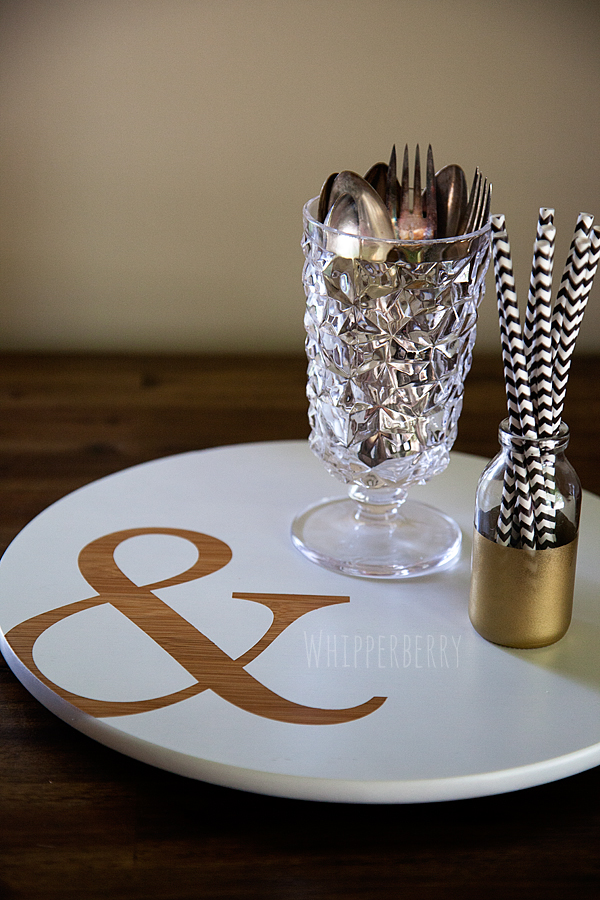
I just love that off set look. After the stencil was in place, I use some fine grit sand paper to carefully rough up the surface of the wood. That helps the paint adhere better. Then, I added 3 or 4 coats of the Americana White Wash so that it had a nice clean surface and that was it. I carefully removed the stencil and voila, I now have a fun lazy susan for the center of my table…

WhipperBerry Ampersand Lazy Susan

I have another lazy susan that I created for the brand new DecoArt Blog that will debut soon…

the-decoart-matallics-looks-like-brushed-metal

I am one of DecoArt’s Core Bloggers and will be sharing posts over there, (when the site launches) twice a month. As soon as this one goes live I will let you know, and you can learn how to make this beauty as well.

That’s it… I’m on a mission!  Every house needs to have a fabulous lazy susan!! Run out and grab one of your own, dress it up and then show off your photos on Facebook or Instagram and tag me so I can check them all out!!

Cut Fabric like a Pro with the Silhouette Fabric Bundle // GIVEAWAY

0 · May 23, 2013 · 287 Comments

Silhouette Portrait GIVEAWAY (Affiliate) // As someone who is crafting all the time, I often find myself falling into ruts. What… You too? Then I am reminded of a product that I just love, but have for some reason have placed on the back of my craft shelf. I pull it out, dust it off and fall in LOVE all over again. That is exactly what happened this week when I had the chance to pull out my fabric stash and play around with Silhouette's Fabric Interfacing and their Fabric Cutting Blade. 

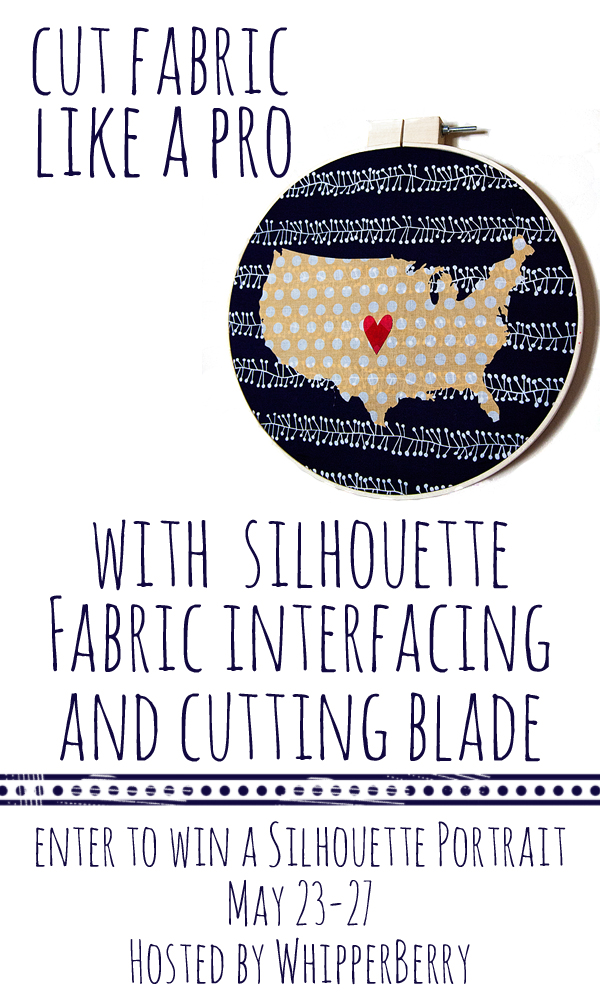
Cut Fabric Like a Pro -- Enter to WIN a Silhouette CAMEO on WhipperBerry #giveaway #silhouette

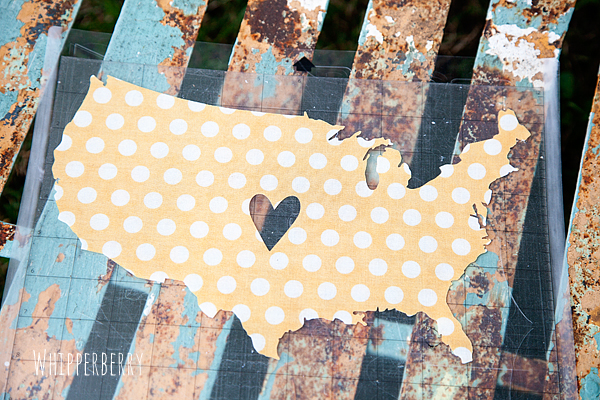
I made this fun Heartland wall art for a new gallery wall that I'm working on for my living room and I just fell head over heels in love with my CAMEO's fabric cutting tools!! Check out these clean lines on my United States image…

Fabric United States of America cut with Silhouette CAMEO

You can check out the entire tutorial HERE.

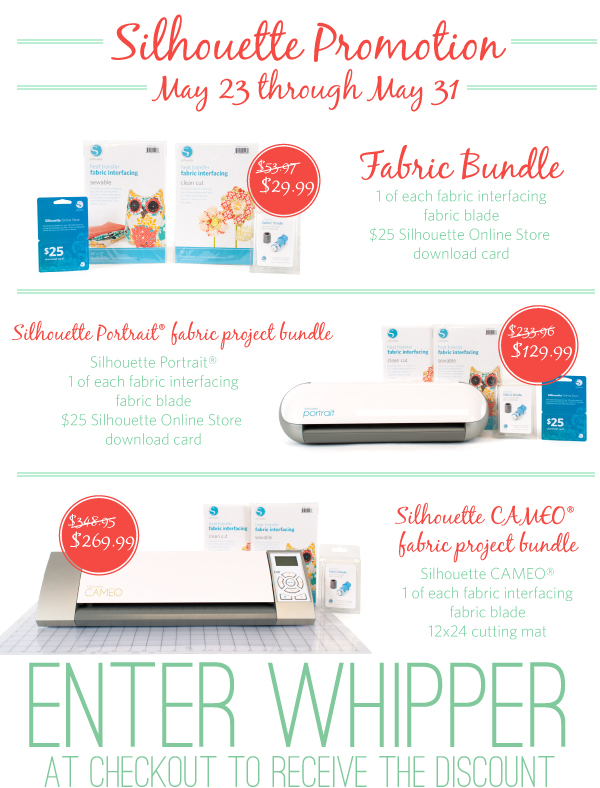
This week Silhouette has their entire fabric line on sale along with their fabulous machines. Check out the May Promotion…

Silhouette Fabric Bundle Promotion with coupon code

Click here to visit the Sale Page over at the Silhouette Site!

The folks at Silhouette have given me one Silhouette Portrait to give away to one of YOU my favorite friends!! All you have to do is follow the directions in the Rafflecopter box below…


a Rafflecopter giveaway

A few more of my friends are giving away Silhouette Portraits as well. You can visit their giveaways to increase your chances to win!!

A Pumpkin &  A Princess

That's What Che Said

Seven Thrity-Three

Ginger Snap Crafts

Crazy Little Projects

Pretty Handy Girl

Mom 4 Real

Simply Designing

Design, Dining & Diapers

Mom Endeavors

Tater Tots & Jell-o

Silhouette Giveaway & Vinyl Blowout

0 · Apr 18, 2013 · Leave a Comment

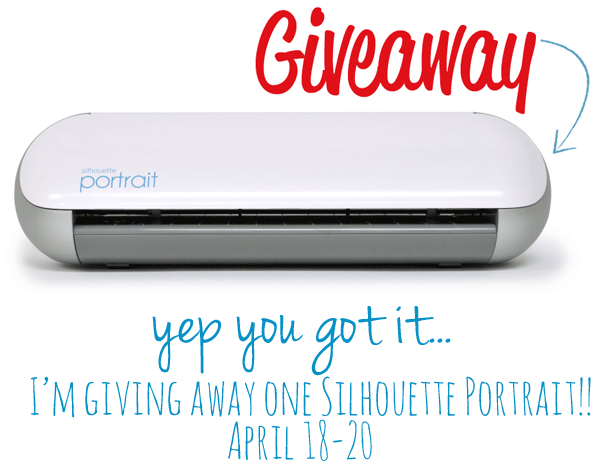
Silhouette Giveaway // Who's ready for the BEST day in Silhouette history?! Have you heard? First…

Whipperberry-Silhouette-Giveaway-Instagram-image

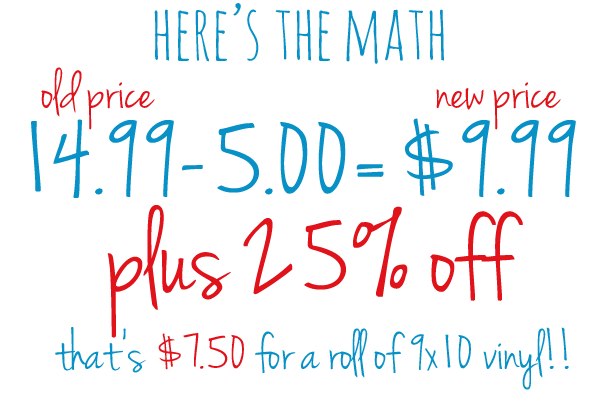
Second, Silhouette is having the BIGGEST VINYL EVENT EVER!!! Did you hear they've cut the price on their vinyl dramatically. Plus, during this promotion, you get an additional 25% off!!

Untitled-2

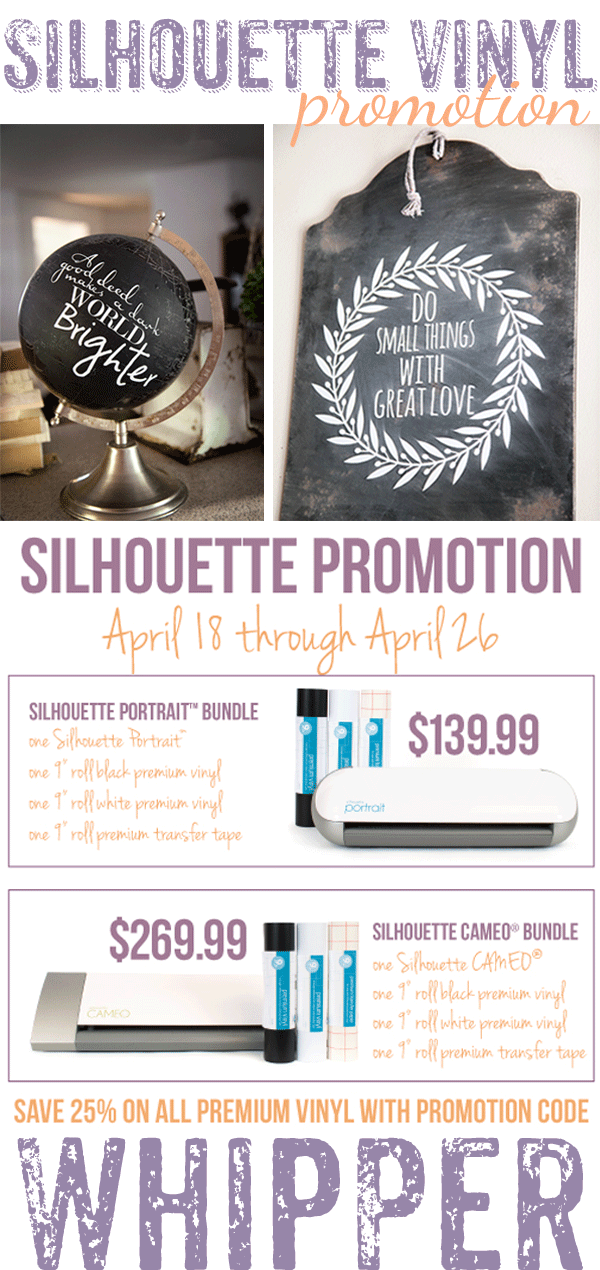
Yea, you're getting the picture now, aren't ya? This is a fabulous time to stock-up on some vinyl. Not to mention, you can get a fabulous bundle deal if you don't have a CAMEO or Portrait yet. Here's the details…

april-Silhouette-promo

Click HERE to visit Silhouette's April Promotion Site to cash in on your great deals!!

Do you want to have a chance to win a Silhouette Portrait? Follow the steps in the Rafflecopter box below to enter to win Portrait of your very own!!

a Rafflecopter giveaway

  • « Go to Previous Page
  • Page 1
  • Interim pages omitted …
  • Page 5
  • Page 6
  • Page 7
  • Page 8
  • Page 9
  • Go to Next Page »

Primary Sidebar

Heather from Whipperberry
Hello... my name is Heather and I'm the creator of WhipperBerry a creative lifestyle blog packed full of great recipes and creative ideas for your home and family. I find I am happiest when I'm living a creative life and I love to share what I've been up to along the way... Come explore, my hope is that you'll leave inspired!

Footer

  • Privacy Policy
  • Crafts
  • Food
  • Gifts
  • Holidays
  • Home
  • Mom Life
  • Recipes
  • Travel

Copyright © 2026 · Seasoned Pro