• Skip to primary navigation
  • Skip to main content
  • Skip to primary sidebar
  • Skip to footer

Whipperberry

WhipperBerry • Your Home For Creative Inspiration

  • Home
  • Recipes
    • Starters
    • Easy Weeknight Dinners
    • Main Dish
    • Salads
    • Side Dish
    • Soups & Stews
    • Desserts
    • Breakfast
    • Miscellaneous
  • Tutorials
    • Creative Crafts
    • DIY Decor
    • Fabric Crafts
    • Food How-To
    • Jewlery
    • Paint Projects
    • Paper Art
    • Party Styling
    • Photography and Graphic Design
    • Silhouette
  • Holidays
    • Easter
    • Mother’s Day
    • Father’s Day
    • 4th of July
    • Halloween
    • Thanksgiving
    • Christmas
    • Valentine’s Day
  • Gift Ideas
    • Gifts For Everyone
    • Gifts for Dad
    • Mother’s day
    • For The Girls
    • For The Kids
    • Teacher Gift Ideas
    • Christmas
  • Printables
    • Holiday
    • Gift Idea
    • LDS Primary
  • Travel
  • About
    • Terms
  • Contact
  • Nav Social Menu

    • Facebook
    • Instagram
    • Pinterest
    • RSS
    • Twitter
You are here: Home / Crafts / 12 Cricut Maker Projects + How to Replace a Cricut Maker Rotary Blade

12 Cricut Maker Projects + How to Replace a Cricut Maker Rotary Blade

39 · Jan 26, 2018 · Leave a Comment

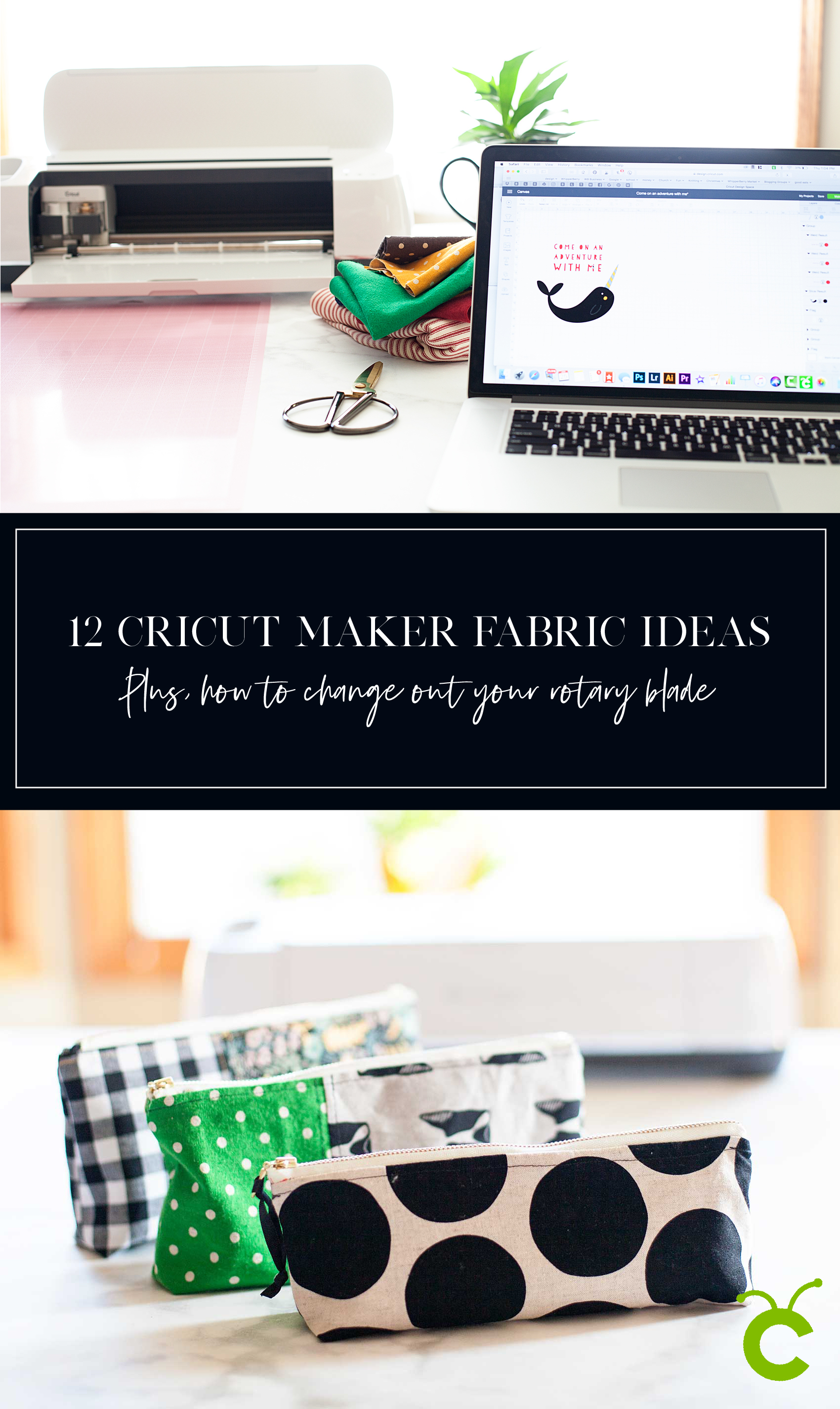
I LOVE, LOVE, LOVE my Cricut Maker! I’m especially loving creating more with fabric these days. I’m always looking for more Cricut Maker project inspiration & ideas on how to take care of my machine. For example every Cricut Maker user, there comes a time when you will need to change out your rotary blade. This is something that is relatively new to the Cricut world and is super easy to do following the proper instructions. If you are new to creating with Cricut, the Cricut Maker Rotary Blade is the magical blade that cuts fabric when using the Cricut Maker machine! With its gliding, rolling action, it cuts virtually any fabric quickly and accurately – without backing material. It’s pretty fabulous! After you’ve cut to your heart’s content, you will eventually have to change out your blade, here’s a tutorial for how to replace a Cricut Rotary Blade. And, if you’re not sure if a Cricut or a Silhouette is right for you then make sure to read that article first. Ok so, down for the tutorial.12 Cricut Maker Fabric Projects PLUS + For every Cricut Maker user, there comes a time when you will need to change out your rotary blade. This is something that is relatively new to the Cricut world, and is super easy to do following the proper instructions. 
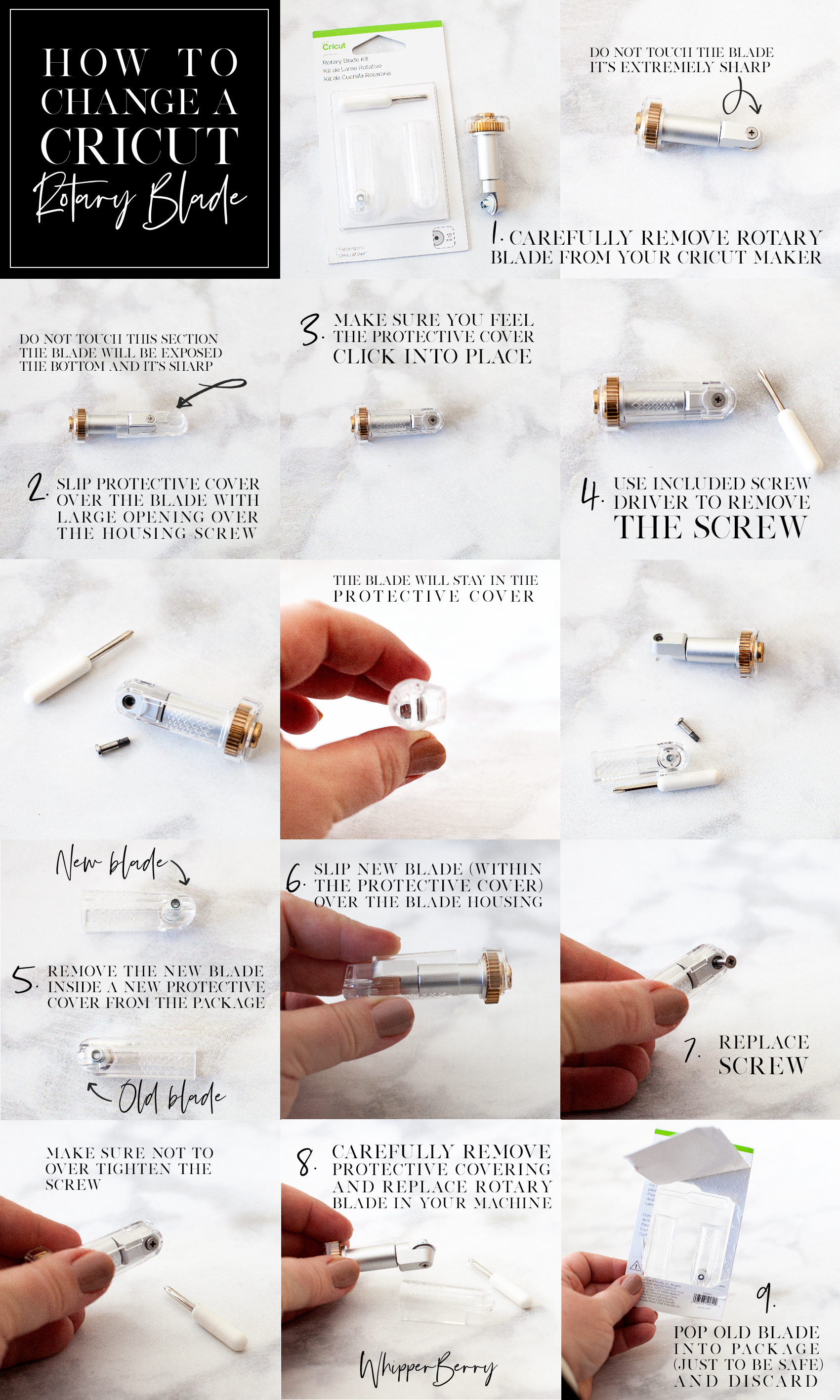
Below is a quick Pinable graphic that you can save so that you can reference it later on how to change your Cricut rotary blade. You can even print a PDF version of it HERE if you’d like.
For every Cricut Maker user, there comes a time when you will need to change out your rotary blade. This is something that is relatively new to the Cricut world, and is super easy to do following the proper instructions. 

How to Change a Cricut Rotary Blade

Before you begin, you need to make sure you remember you are working with a VERY SHARP blade and to be safe while working with it at all times.

  1. Carefully remove rotary blade from your Cricut Maker.
  2. Slip protective cover, from the Rotary Blade Kit over the blade with the large opening over the housing screw. View graphic to view safety warning.
  3. Make sure you feel the protective cover click into place.
  4. Use provided screw driver to remove the screw from the housing. View graphic for step-by-step photo instructions. Keep in mind,  the blade is meant to stay within the protective cover. This is a great feature created by Cricut to protect their Cricut family of users. I think it’s genius!
  5. Remove the new blade, already in a new protective cover, from the package.
  6. Place over your housing like before.
  7. Using the provided screw driver, replace the screw making sure not to over tighten.
  8. Carefully remove protective covering and replace rotary blade in your machine.
  9. Just to be safe, I place my old blade, still in the protective cover, back into the packaging before I toss it in the trash.

That’s it, you’re ready to rock’n roll again. Looking for some inspiration on what to make with this fabulous new cutting tool? Here are some that might get your creative juices flowing…

Cricut Maker Fabric Project Inspiration

Everyone loves thoughtful homemade gifts and this stylish zipper pouch is the perfect gift to whip-up in a fews hours to give as a fabulous Christmas gift this year + you can take the guess work out of cutting the pattern with the Cricut Maker! Come on over and learn how to make one of your own on WhipperBerry.

Zipper Pouch + created by ME, WhipperBerry
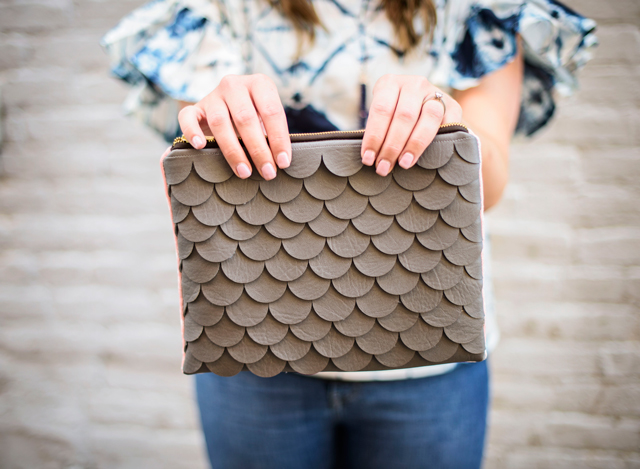
Scallop leather clutch created with Cricut Maker • See Kate Sew

Scalloped Leather Clutch + See Kate Sew
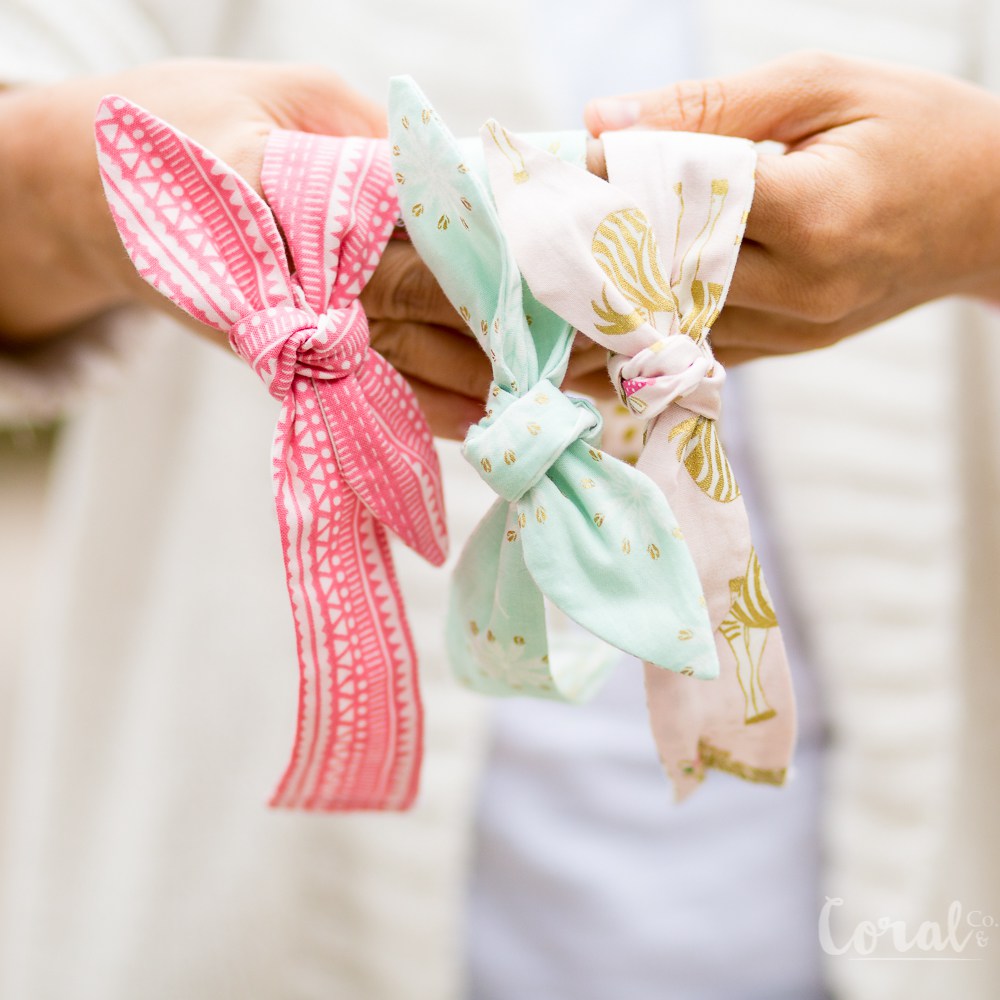
Knot Headband created with Cricut Maker • Coral + Co

Knot Headband + Coral & Co

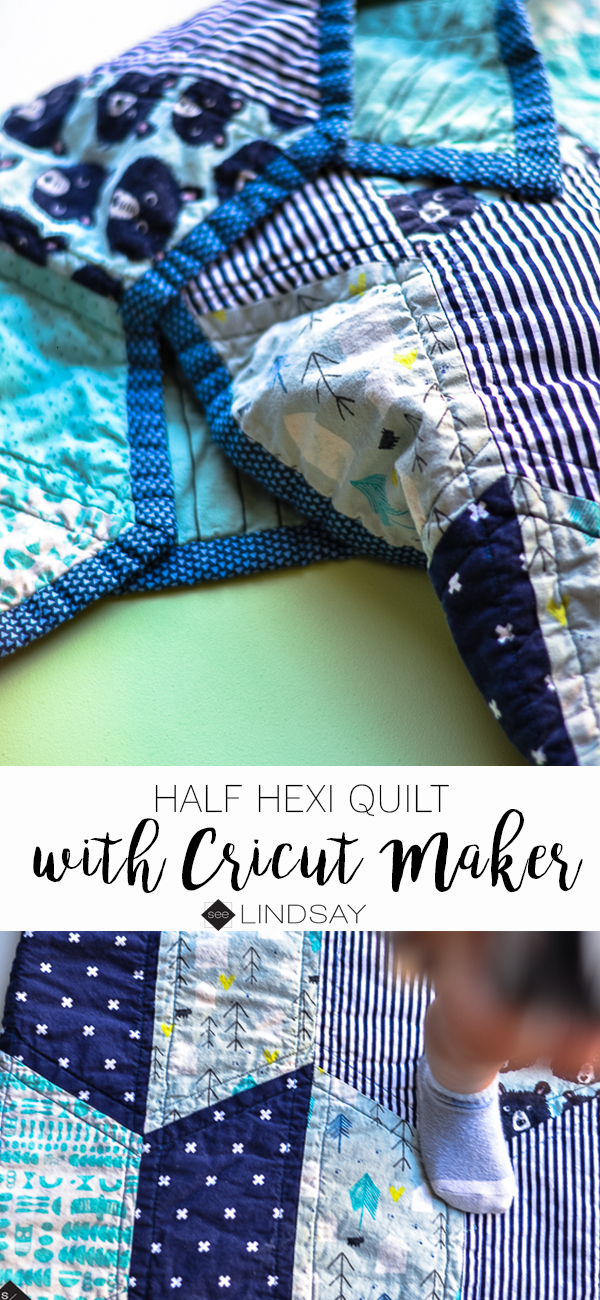
Baby Quilt with Cricut Maker • See Lindsay

Baby Quilt + See Lindsay

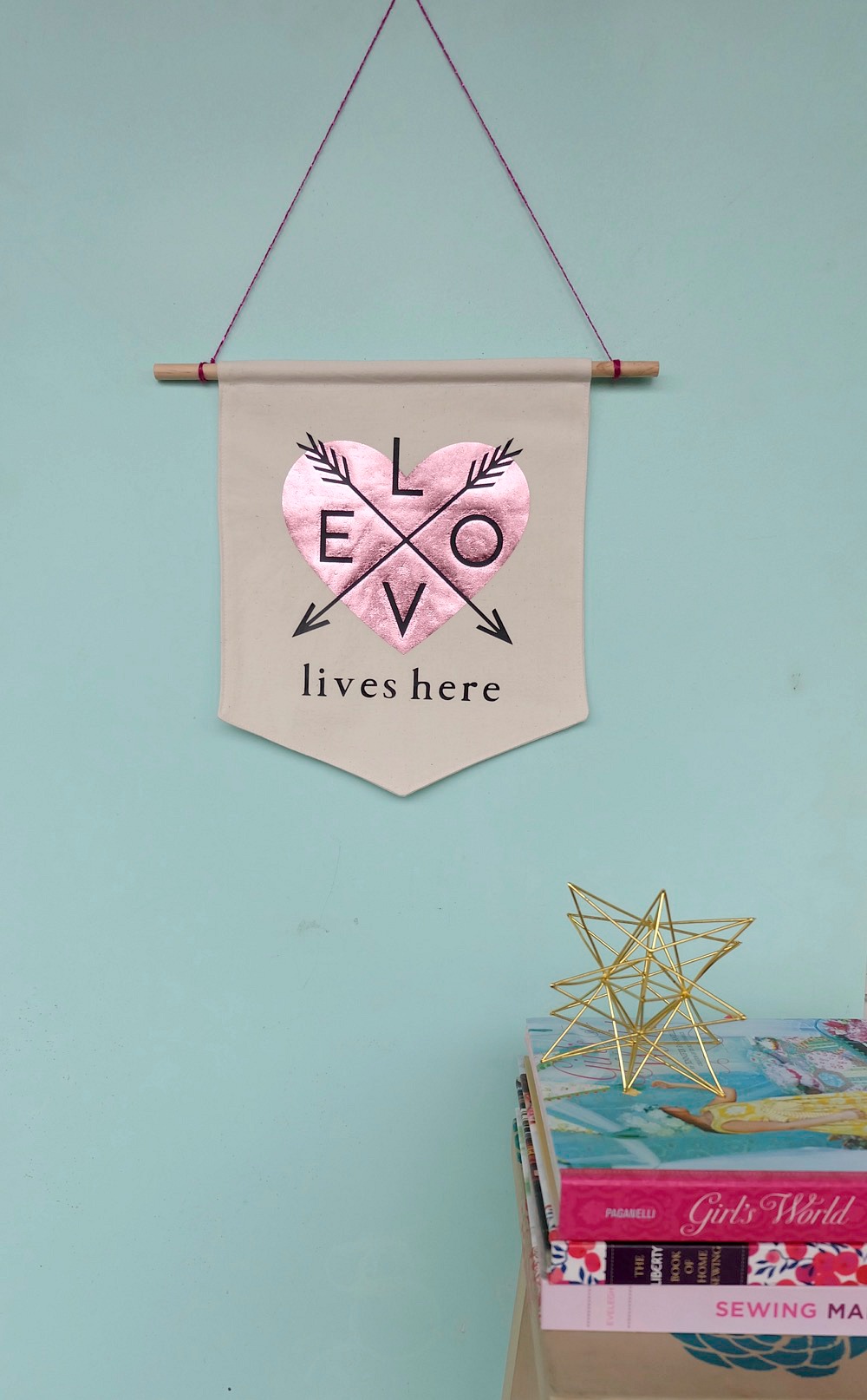
Love Banner created with Cricut Maker • Hello Creative Family

Love Lives Here BannerLove Lives Here Banner + Hello Creative Family
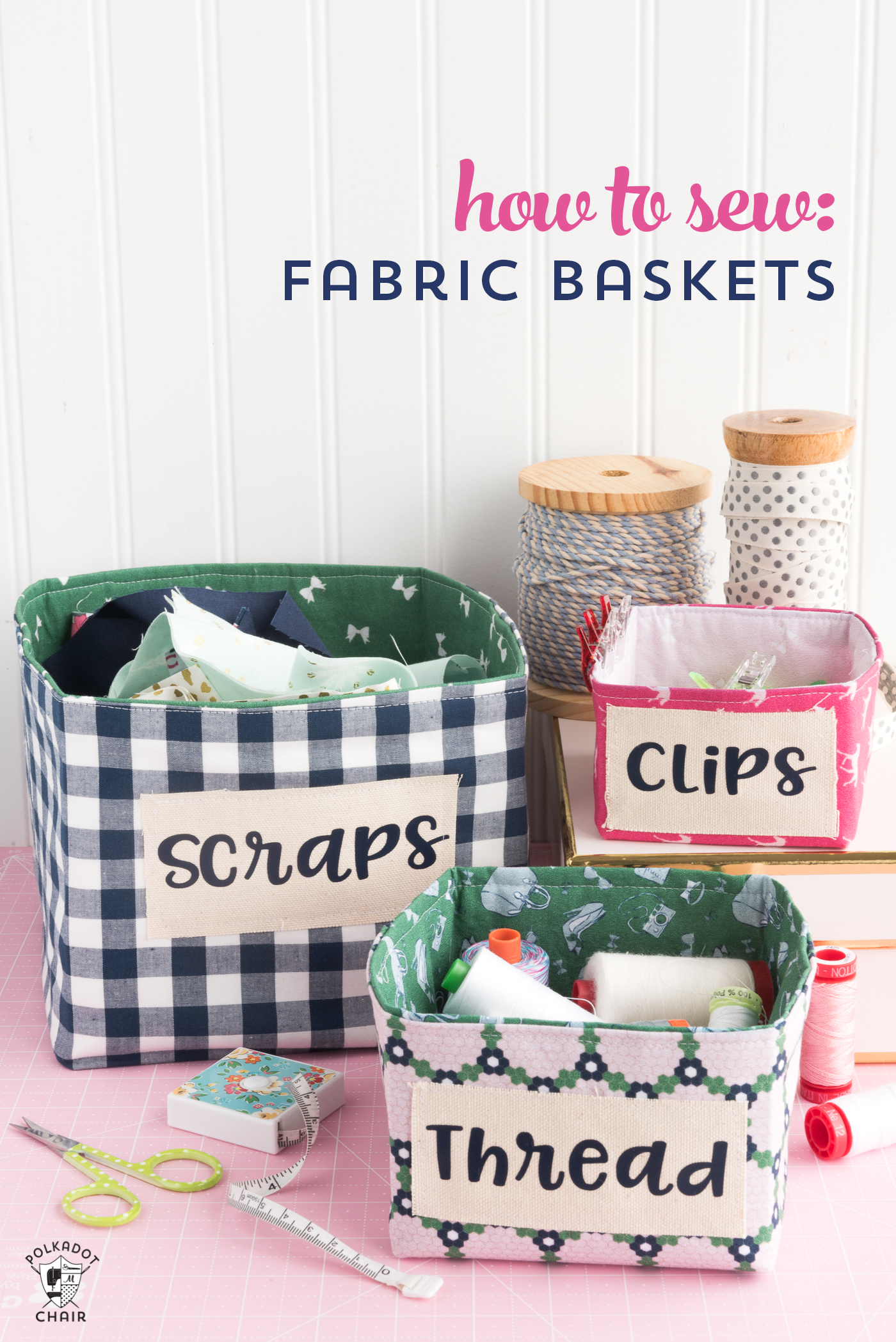
How to Sew Fabric Baskets with the Cricut Maker • Polkadot Chair

How to Sew Fabric Baskets + PolkaDot Chair
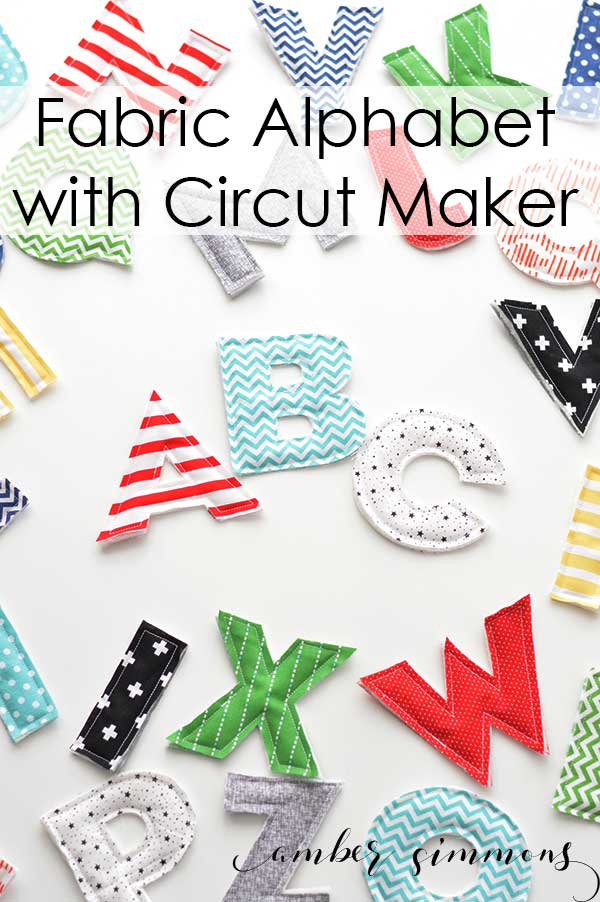
Fabric Alphabet for Cricut Maker •  Amber Simmons

Fabric Alphabet + Amber Simmons

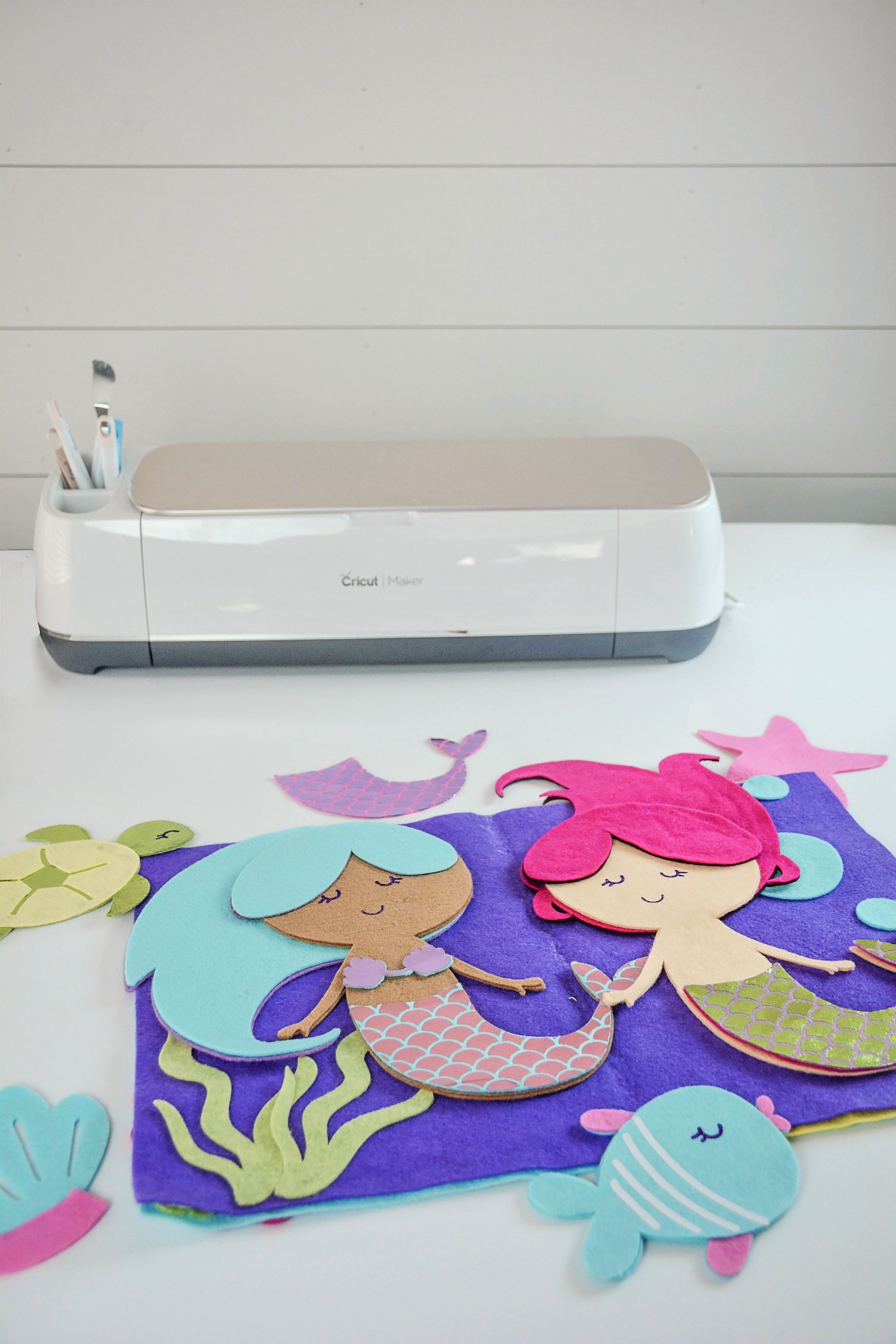
Mermaid Book created with Cricut Maker + Sweet Red Poppy

Mermaid Book + Sweet Red Poppy

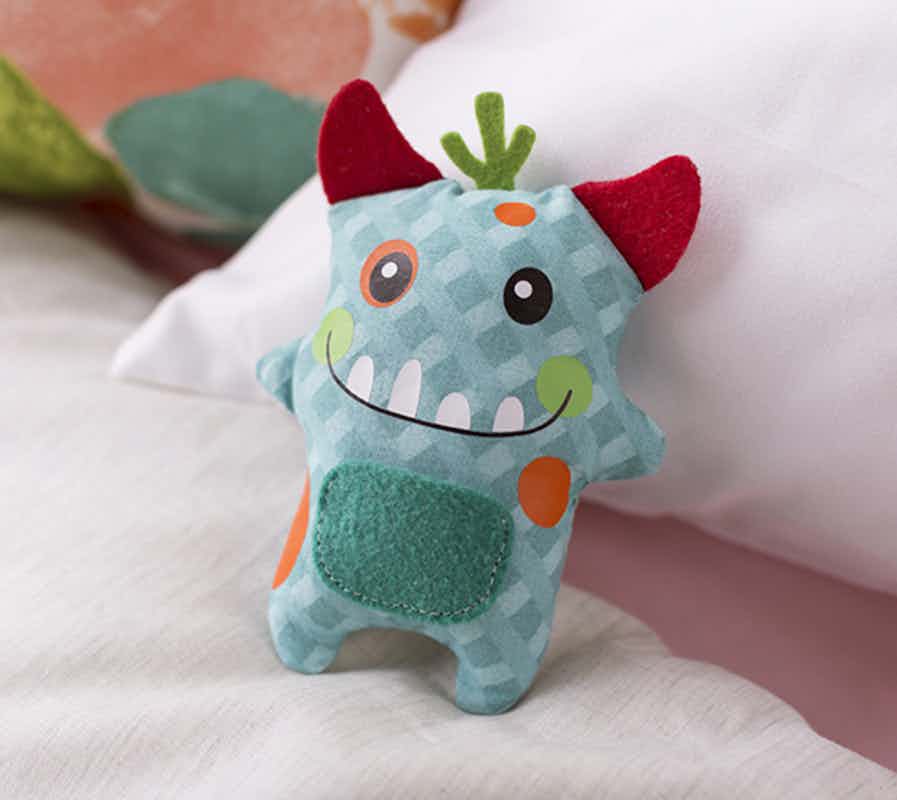
Cricut Maker Tooth Fairy Monster created by The Idea Room

Tooth Fairy Monster + The Idea Room

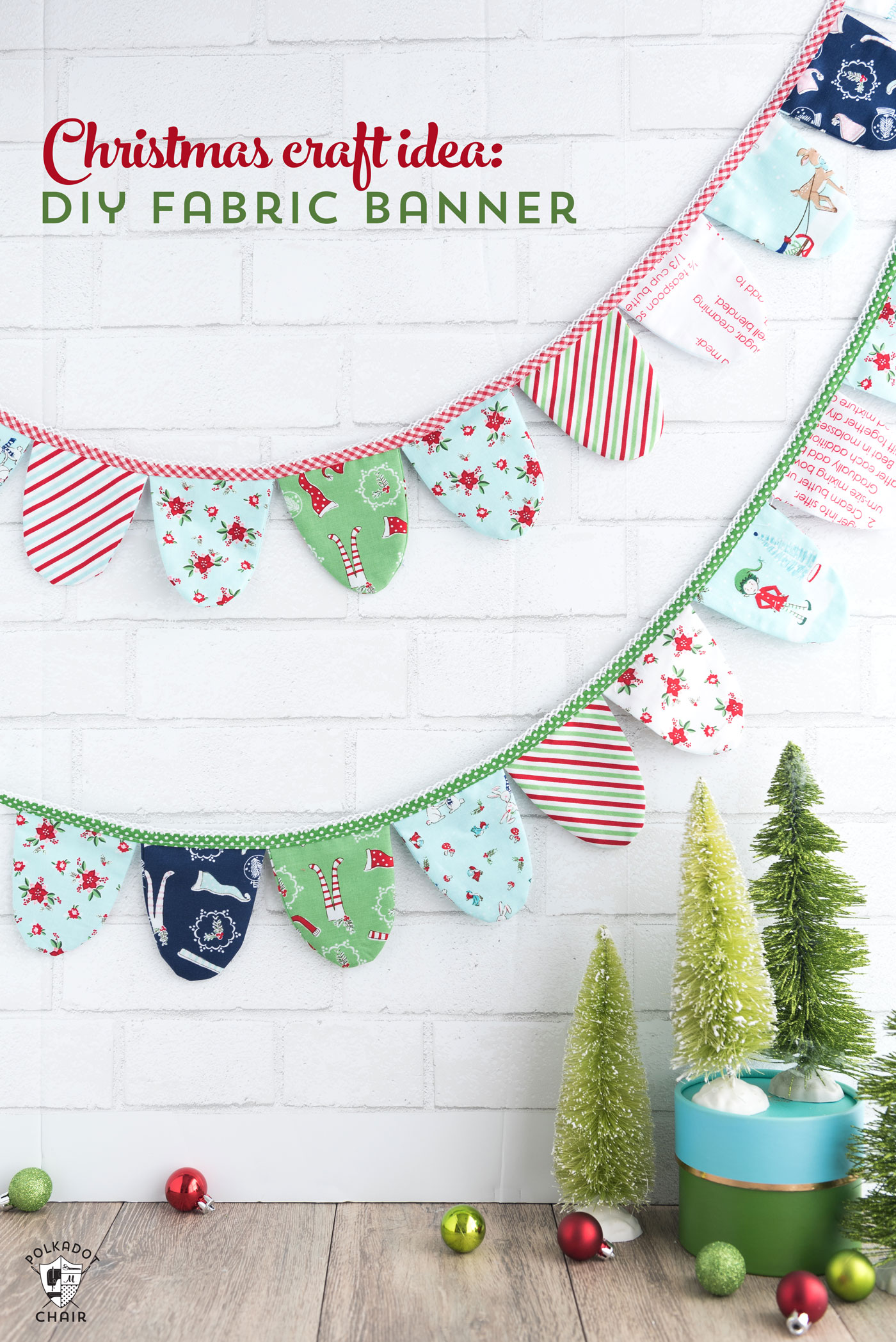
Fabric Banner created with Cricut Maker •  PolkaDot Chair

Fabric Banner + PolkaDot Chair

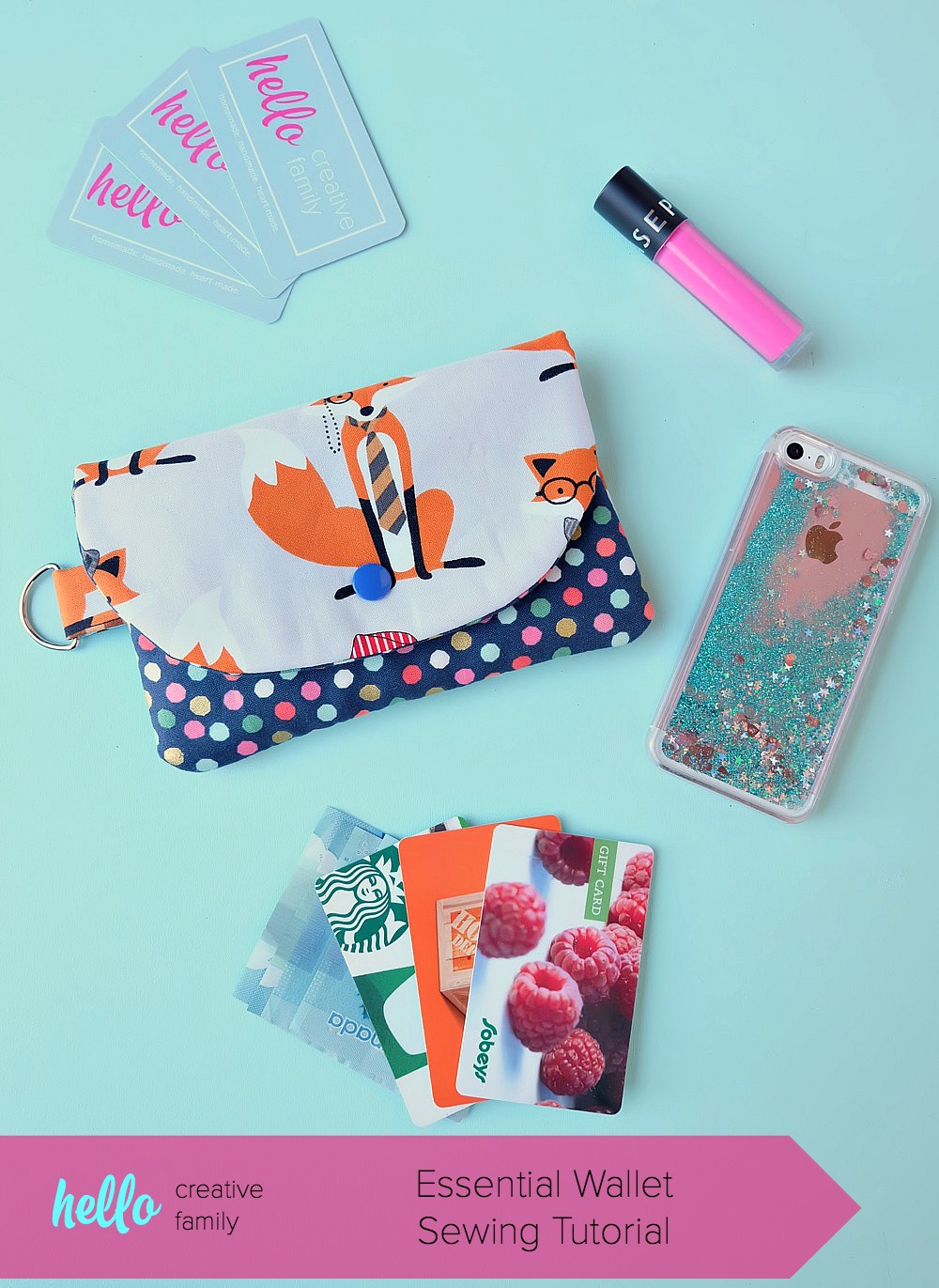
DIY Wallet created with Cricut Maker •  Hello Creative Family

The Essentials Wallet + Hello Creative Family

SaveSave

SaveSave

This is a sponsored conversation written by me on behalf of Cricut. The opinions and text are all mine.

39
Pin
Share
Tweet

Crafts, Cricut, Fabric, Sewing Crafts, Cricut, Gift Giving, Holidays, home decor, Inspiration, Tutorial

Reader Interactions

Leave a Reply Cancel reply

Your email address will not be published. Required fields are marked *

Recipe Rating


Primary Sidebar

Heather from Whipperberry
Hello... my name is Heather and I'm the creator of WhipperBerry a creative lifestyle blog packed full of great recipes and creative ideas for your home and family. I find I am happiest when I'm living a creative life and I love to share what I've been up to along the way... Come explore, my hope is that you'll leave inspired!

Footer

  • Privacy Policy
  • Crafts
  • Food
  • Gifts
  • Holidays
  • Home
  • Mom Life
  • Recipes
  • Travel

Copyright © 2026 · Seasoned Pro